블러 해제Blur Resolve
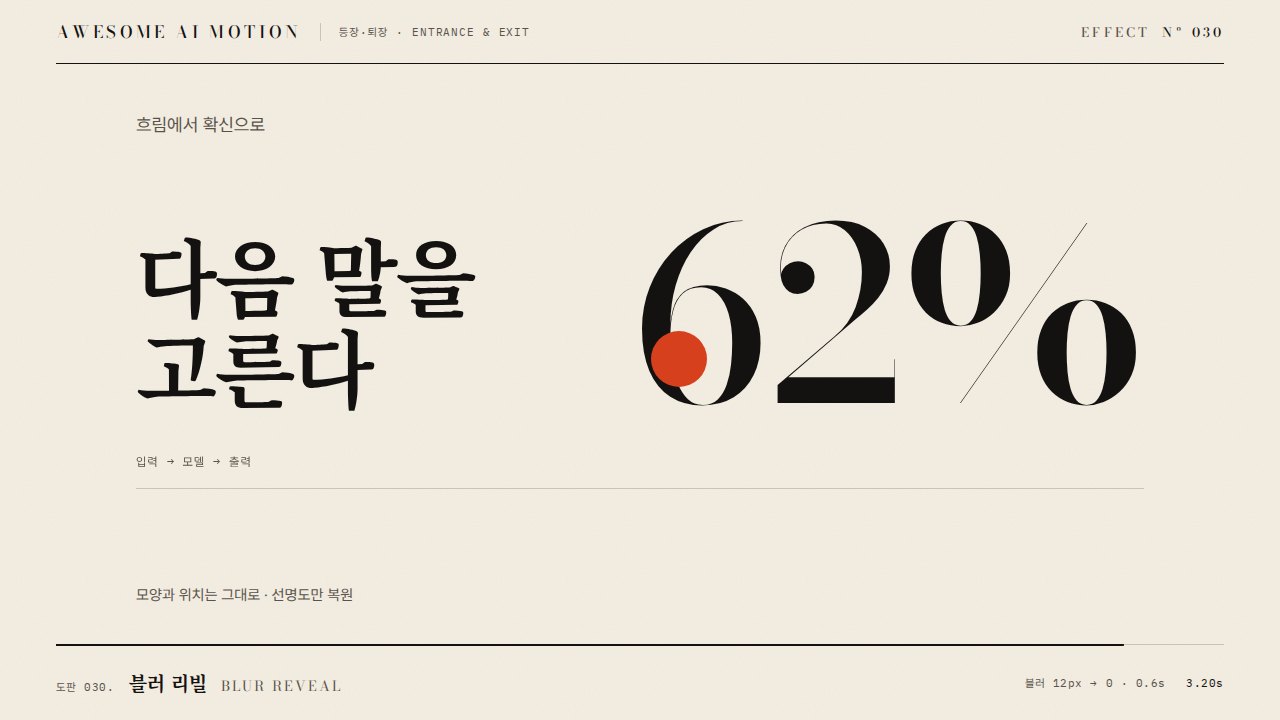
흐릿한 대상이 블러 반경이 줄며 선명해져 시선을 모으는 등장A blurred target sharpens as its blur radius falls, pulling the eye.
무엇을 전하나What it tells
- 제목이나 제품 이미지가 초점 맞듯 나타날 때
- 뒤 배경은 흐리게 두고 대상만 선명하게 밀어 올릴 때
- When a title or product shot arrives as if focusing
- When the background stays soft and only the target sharpens
- blur 시작 3~8px
- 길이 0.2~0.4초
- 종료 blur는 정확히 0(filter none)
좋은 예와 나쁜 예Good and bad use
제목이 blur 4px, opacity 0에서 250ms 동안 blur 0, opacity 1로 선명해진다
blur 20px 이상으로 시작해 오래 걸리거나, 글자 위에 항상 블러가 남는다
파라미터Parameters
기본값은 클립에 쓴 값Defaults are the values used in the clip
| 항목PARAM | 기본DEFAULT | 범위RANGE | 메모NOTE |
|---|---|---|---|
| 시작 blur | 4px | 3~8px | 1920x1080 기준 |
| 길이 | 250ms | 200~400ms | 선명해지는 시간 |
| opacity | 0→1 | 0→1 | blur와 함께 상승 |
| 이징 | power2.out | power2~power3.out | 끝에서 감속 |
tl.fromTo('.title', { filter: 'blur(4px)', opacity: 0 }, { filter: 'blur(0px)', opacity: 1, duration: 0.25, ease: 'power2.out', clearProps: 'filter' }, 0.3);에이전트 프롬프트Agent prompts
그대로 붙여 넣는다Paste as is
GSAP으로 <대상> 제목에 블러 해제를 넣어줘. 0.3초에 filter blur(4px), opacity 0에서 시작해 0.25초 동안 blur(0px), opacity 1로 power2.out. 종료 시 clearProps로 filter를 제거해 글자가 선명하게 남게 해. paused 타임라인에 넣어.
Add a blur resolve to the <target> title with GSAP. At 0.3s start with filter blur(4px), opacity 0 and animate to blur(0px), opacity 1 over 0.25s with power2.out. Use clearProps to remove filter afterward so text stays sharp. Paused timeline.
<파일>의 <대상>에 blur-resolve를 적용해. fromTo({filter blur(4px), opacity 0}, {blur(0px), opacity 1}, 0.25s, power2.out, position 0.3, clearProps filter). 0.3초·0.42초·0.8초를 캡처해 흐림 정도가 줄어드는지, 0.8초에 computed filter가 none인지 확인해.
Apply blur-resolve to <target> in <file>. fromTo({filter blur(4px), opacity 0}, {blur(0px), opacity 1}, 0.25s, power2.out, position 0.3, clearProps filter). Capture at 0.3s, 0.42s and 0.8s to check the blur shrinks and that computed filter is none at 0.8s.
도구별로 쓰기In your tools
HyperFrames · ReelForge · Scrolline
잘 맞는 조합Pairs well with
출처Sources
개념 출처와 라이선스. 구현은 이 레포에서 새로 씀Concept sources and licenses. Implementations are original to this repo
- motion dictionary 1-principles.md#8. 2D 속성 기본 동작own
- animista.netBSD-2-Clause (FreeBSD)
- DavidHDev/react-bitsMIT + Commons Clause v1.0
- helpx.adobe.comunknown
- airbnb/lottie-webMIT
- pixel-point/animate-textunknown