코덱 글리치Codec Glitch
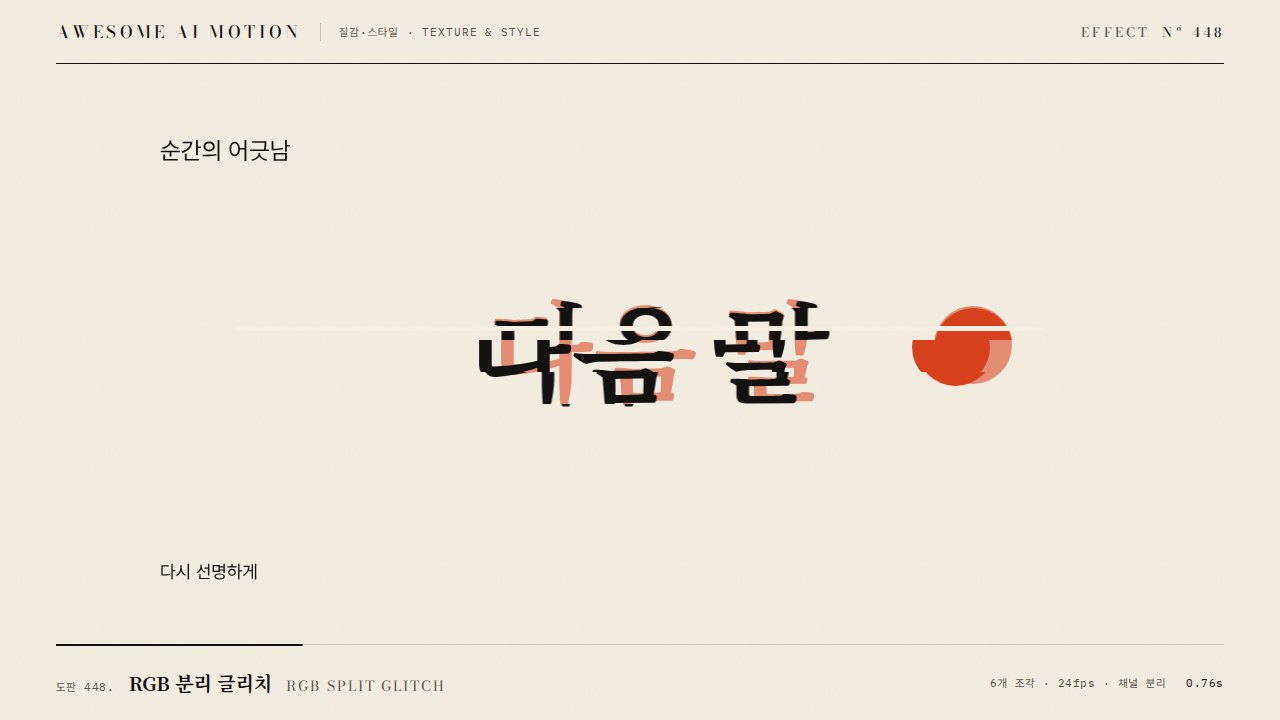
화면에 압축 블록과 뒤틀린 색이 생기고 블록이 이동 방향으로 번졌다가 원래 영상으로 돌아오는 효과Compression blocks and warped colors appear on screen, smear along the motion direction, then return to the original.
무엇을 전하나What it tells
- 영상 전환에서 압축 오류처럼 화면이 깨졌다 복구되는 장면
- AI나 스트리밍 주제에서 신호 손상을 표현할 때
- For transitions where the picture breaks like a compression error and recovers
- To express signal damage in AI or streaming topics
- 블록 이동 최대 120px 초과 금지
- 시드 고정 필수(재현성)
좋은 예와 나쁜 예Good and bad use
화면이 24px 블록으로 갈라져 블록별 최대 80px씩 이동하며 700ms 동안 번지다가 원본으로 복구된다
블록 이동 거리를 200px로 키워 원본을 알아볼 수 없거나, 블록 패턴이 재렌더마다 달라진다
파라미터Parameters
기본값은 클립에 쓴 값Defaults are the values used in the clip
| 항목PARAM | 기본DEFAULT | 범위RANGE | 메모NOTE |
|---|---|---|---|
| 지속 | 700ms | 500~1000ms | 깨짐에서 복구 |
| 블록 크기 | 24px | 16~48px | 격자 |
| 최대 이동 | 80px | 40~120px | 블록별 시드 값 |
| 블록 비율 | 35% | 20~50% | 영향받는 블록 |
| 색 뒤틀림 | hue ±20도 | 10~30도 | 블록 일부 |
function draw(p){const k=1-gsap.parseEase('power2.out')(p);
 for(let by=0;by<1080;by+=24)for(let bx=0;bx<1920;bx+=24){
 const s=h(bx,by); // 시드 해시 0..1
 const dx=s<.35?(s*2-.35)*80*k*(s>.17?1:-1):0;
ctx.drawImage(src,bx,by,24,24,bx+dx,by,24,24);}}에이전트 프롬프트Agent prompts
그대로 붙여 넣는다Paste as is
<영상>에 코덱 글리치를 넣어줘. canvas에서 24px 블록 격자를 만들고 시드 해시로 35%의 블록만 x 방향으로 최대 80px 이동시켜, 700ms 동안 power2.out으로 이동량을 0까지 복구해. 일부 블록은 hue를 ±20도 어긋나게 해. draw는 progress 순수 함수, 난수는 시드 고정.
Add a codec glitch to <video>. On a canvas, build a 24px block grid, shift 35% of blocks (chosen by a seeded hash) along x by up to 80px, and restore the shift to 0 over 700ms with power2.out. Shift the hue of some blocks by +/-20 degrees. Draw as a pure function of progress with seeded randomness.
<파일>에 codec-glitch를 구현해. 블록 24px, 최대 이동 80px, 영향 35%, 700ms power2.out, seed 고정. 0.05초, 0.3초, 0.8초를 캡처해 블록이 어긋났다가 복구되는지, 0.8초가 원본과 일치하는지, 같은 시점 재렌더가 동일한지 확인해.
Implement codec-glitch in <file>: block 24px, max shift 80px, 35% affected, 700ms power2.out, fixed seed. Capture at 0.05s, 0.3s, and 0.8s to verify blocks misalign then recover, 0.8s matches the original, and re-rendering the same time is identical.
도구별로 쓰기In your tools
HyperFrames · ReelForge · Scrolline
잘 맞는 조합Pairs well with
출처Sources
개념 출처와 라이선스. 구현은 이 레포에서 새로 씀Concept sources and licenses. Implementations are original to this repo
- local/music-to-video (
claude-skill:music-to-video/references/motion-primitive-catalog.md#datamosh-smear)unknown - local/music-to-video (
claude-skill:music-to-video/references/motion-primitives/datamosh-smear/scene.html)unknown - local/music-to-video (
claude-skill:music-to-video/references/motion-primitives/datamosh-smear/index.html)unknown - fand/vfx-jsMIT