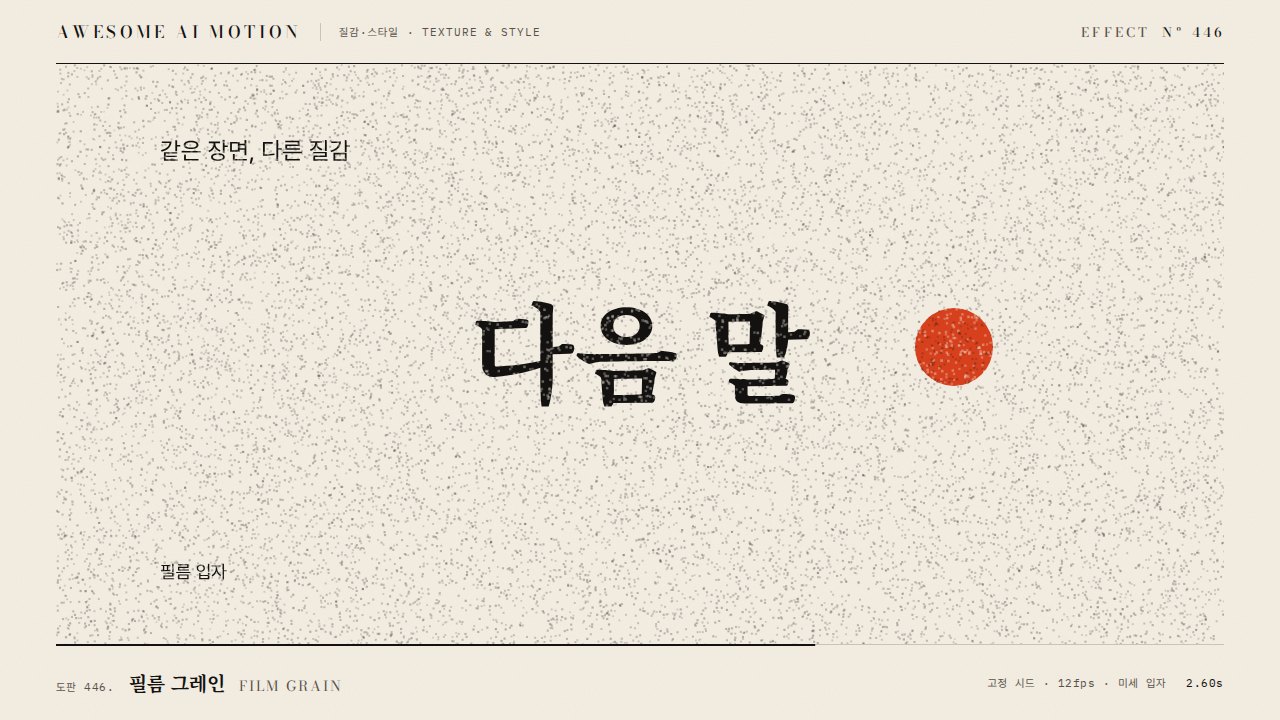
필름 먼지와 스크래치Film Dust and Scratches
작은 먼지점과 세로 긁힘이 프레임에 나타났다가 위치를 바꾸거나 사라지는 필름 흠집 효과Small dust specks and vertical scratches appear on the frame, then shift position or vanish.
무엇을 전하나What it tells
- 회상, 다큐멘터리, 빈티지 브랜드 컷에 낡은 필름 흔적을 더할 때
- 깨끗한 디지털 화면을 아날로그 아카이브처럼 보이게 할 때
- To add worn-film traces to recollection, documentary, or vintage brand shots
- To make a clean digital picture look like an analog archive
- 최대 opacity 0.15 초과 금지
- 먼지 수 40개 초과 금지
좋은 예와 나쁜 예Good and bad use
12fps로 먼지 20개가 한두 프레임씩 나타나고 세로 긁힘 2줄이 opacity 0.15로 스쳐 지나간다
먼지와 긁힘이 너무 많고 진해 화면이 더러워 보이거나, 같은 위치에서 계속 반복되어 패턴이 보인다
파라미터Parameters
기본값은 클립에 쓴 값Defaults are the values used in the clip
| 항목PARAM | 기본DEFAULT | 범위RANGE | 메모NOTE |
|---|---|---|---|
| 갱신율 | 12fps | 8~15fps | 프레임마다 재배치 |
| 먼지 수 | 20개 | 10~40개 | 시드 고정 |
| 스크래치 수 | 2줄 | 1~3줄 | 세로선, 수명 1~3프레임 |
| 최대 opacity | 0.15 | 0.08~0.2 | 흰색 또는 검정 |
| 크기 | 1~4px | 1~5px | 먼지 반경 |
function mulberry(a){return()=>{a|=0;a=a+0x6D2B79F5|0;let t=Math.imul(a^a>>>15,1|a);t^=t+Math.imul(t^t>>>7,61|t)^t;return((t^t>>>14)>>>0)/4294967296}}
function draw(frame){const r=mulberry(frame*97+13);ctx.clearRect(0,0,1920,1080);
 for(let i=0;i<20;i++){ctx.globalAlpha=.15*r();ctx.beginPath();ctx.arc(r()*1920,r()*1080,1+r()*3,0,6.283);ctx.fill();}
if(r()<.5){ctx.globalAlpha=.12;ctx.fillRect(r()*1920,0,1,1080);}}에이전트 프롬프트Agent prompts
그대로 붙여 넣는다Paste as is
<영상> 위에 필름 먼지와 스크래치 오버레이를 얹어줘. canvas에서 12fps로 프레임 인덱스를 시드로 하는 난수(mulberry)로 먼지점 20개(반경 1~4px, opacity 최대 0.15)를 매 프레임 재배치하고, 절반 확률로 세로 스크래치 1~2줄을 1~3프레임 표시해. Math.random은 쓰지 마.
Overlay film dust and scratches on <video>. On a canvas at 12fps, use a frame-index-seeded random (mulberry) to reposition 20 dust specks (radius 1-4px, max opacity 0.15) every frame, and with 50% chance show 1-2 vertical scratches for 1-3 frames. Do not use Math.random.
<파일>에 film-dust-scratches 캔버스 오버레이를 구현해. 12fps, 먼지 20개, 스크래치 2줄, 최대 opacity 0.15, 프레임 시드. 1.00초, 1.08초, 1.16초를 캡처해 먼지 위치가 프레임마다 바뀌는지, 같은 시점 재렌더가 동일한지, 피사체가 가려지지 않는지 확인해.
Implement a film-dust-scratches canvas overlay in <file>: 12fps, 20 dust specks, 2 scratches, max opacity 0.15, frame-index seed. Capture at 1.00s, 1.08s, and 1.16s to verify dust positions change per frame, re-rendering the same time is identical, and the subject is not obscured.
도구별로 쓰기In your tools
HyperFrames · ReelForge · Scrolline
잘 맞는 조합Pairs well with
출처Sources
개념 출처와 라이선스. 구현은 이 레포에서 새로 씀Concept sources and licenses. Implementations are original to this repo
- local/HyperFrames-skills (
claude-skill:media-use/references/media-treatment-recipes.md)unknown