윤곽 디졸브Outline Dissolve
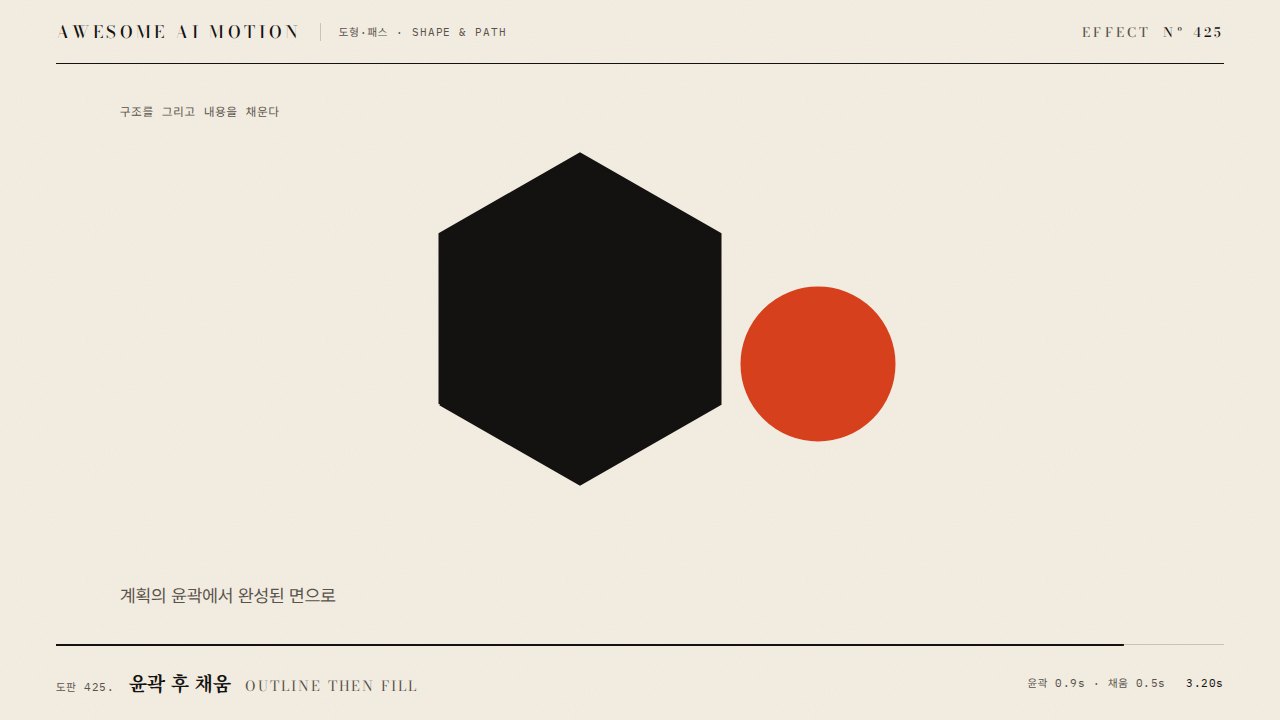
장면의 면 색이 사라져 밝은 윤곽만 남았다가 새 장면의 면 색이 다시 채워진다The scene loses its fill colors, leaving only bright outlines, then the new scene fills back in with color.
무엇을 전하나What it tells
- 도해, 청사진, 아이콘 톤의 영상에서 형태를 유지한 채 화면 내용을 바꿀 때
- 제품 사진이 선화로 바뀌었다가 다른 제품으로 채워질 때
- When changing content while keeping shape in diagram, blueprint, or icon-style videos
- When a product photo turns into a line drawing and refills as another product
- 윤곽 밝기는 배경 대비를 확보한다(어두운 배경 위 흰 선)
- 두 장면의 주요 형태 위치를 미리 맞춰 둔다
좋은 예와 나쁜 예Good and bad use
700ms 동안 이전 장면의 면 색이 빠져 밝은 윤곽만 남고(0.35초), 새 장면의 윤곽이 같은 자리에서 색으로 채워진다
윤곽선이 너무 얇아 사라져 보이거나, 두 장면의 형태가 전혀 달라 윤곽이 겹치며 지저분해진다
파라미터Parameters
기본값은 클립에 쓴 값Defaults are the values used in the clip
| 항목PARAM | 기본DEFAULT | 범위RANGE | 메모NOTE |
|---|---|---|---|
| 지속 | 700ms | 500~900ms | linear |
| 윤곽 두께 | 2px | 1~3px | 1920px 기준 |
| 윤곽 밝기 | 8.0(강조) | 4~10 | HDR 아닌 경우 흰색 100% |
| 윤곽 정점 | 진행 50% | 40~60% | 면 색 opacity 0 |
| 배경 어둡게 | 0.6 | 0.4~0.7 | 윤곽이 잘 보이도록 |
tl.to('.prev-fill', { opacity: 0, duration: 0.35, ease: 'none' }, 0);
tl.to('.prev-line', { opacity: 1, duration: 0.2 }, 0.1).to('.prev-line', { opacity: 0, duration: 0.2 }, 0.35);
tl.fromTo('.next-line', { opacity: 0 }, { opacity: 1, duration: 0.2 }, 0.3).to('.next-line', { opacity: 0, duration: 0.2 }, 0.5);
tl.fromTo('.next-fill', { opacity: 0 }, { opacity: 1, duration: 0.35, ease: 'none' }, 0.35);에이전트 프롬프트Agent prompts
그대로 붙여 넣는다Paste as is
<대상> 장면 전환에 윤곽 디졸브를 넣어줘. 이전 장면은 0.35초 동안 면 색(.prev-fill)을 opacity 0으로 빼서 선화(.prev-line, 2px 흰색)만 남기고, 0.3초부터 새 장면 선화가 같은 자리에서 나타난 뒤 0.35초부터 색(.next-fill)이 0.35초 동안 채워지게 해. 전체 0.7초, 이징 none, paused 타임라인.
Add an Outline Dissolve to <target>. Fade .prev-fill to opacity 0 over the first 0.35s, leaving a 2px white line layer (.prev-line). From 0.3s show the new scene lines in the same position, then fill .next-fill from 0 to 1 over 0.35s starting at 0.35s. Total 0.7s, ease none, on a paused timeline.
<파일>에 윤곽 디졸브를 구현해. .prev-fill opacity 1에서 0 (0~0.35초), 선화 두 레이어 교차 (0.1~0.55초), .next-fill 0에서 1 (0.35~0.7초), 모두 ease none. 0.2초, 0.35초, 0.5초, 0.7초 시점을 캡처해 정점(0.35초)에 선화만 보이는지, 0.7초에 선화가 남지 않았는지 확인해.
Implement Outline Dissolve in <file>. .prev-fill opacity 1 to 0 (0 to 0.35s), line layers cross (0.1 to 0.55s), .next-fill 0 to 1 (0.35 to 0.7s), all ease none. Capture at 0.2s, 0.35s, 0.5s, and 0.7s to confirm only outlines are visible at 0.35s and none remain at 0.7s.
도구별로 쓰기In your tools
HyperFrames · ReelForge · Scrolline
잘 맞는 조합Pairs well with
출처Sources
개념 출처와 라이선스. 구현은 이 레포에서 새로 씀Concept sources and licenses. Implementations are original to this repo