회전 스케일Rotate Scale
회전하면서 커졌다 원래 크기로 돌아오는 강조 동작An element spins while growing, then settles back to its original size.
무엇을 전하나What it tells
- 로고·아이콘이 등장하며 힘 있게 자리 잡을 때
- 상태 전환(잠금 해제, 완료)을 아이콘으로 보여 줄 때
- When a logo or icon should land with force
- When showing a state change such as unlock or done with an icon
- 회전은 360도 이하
- 텍스트가 든 요소는 회전 대신 scale만 사용
- 이동과 동시에 걸지 않는다
좋은 예와 나쁜 예Good and bad use
자물쇠 아이콘이 360도 돌며 scale 0.7에서 1.2를 거쳐 1로 정착한다
720도 이상 여러 바퀴 돌아 방향을 잃거나, 텍스트를 함께 회전시켜 읽을 수 없다
파라미터Parameters
기본값은 클립에 쓴 값Defaults are the values used in the clip
| 항목PARAM | 기본DEFAULT | 범위RANGE | 메모NOTE |
|---|---|---|---|
| 길이 | 0.7s | 0.5~1.0s | 전체 동작 |
| 회전 | 360deg | 180~360deg | 한 방향 고정 |
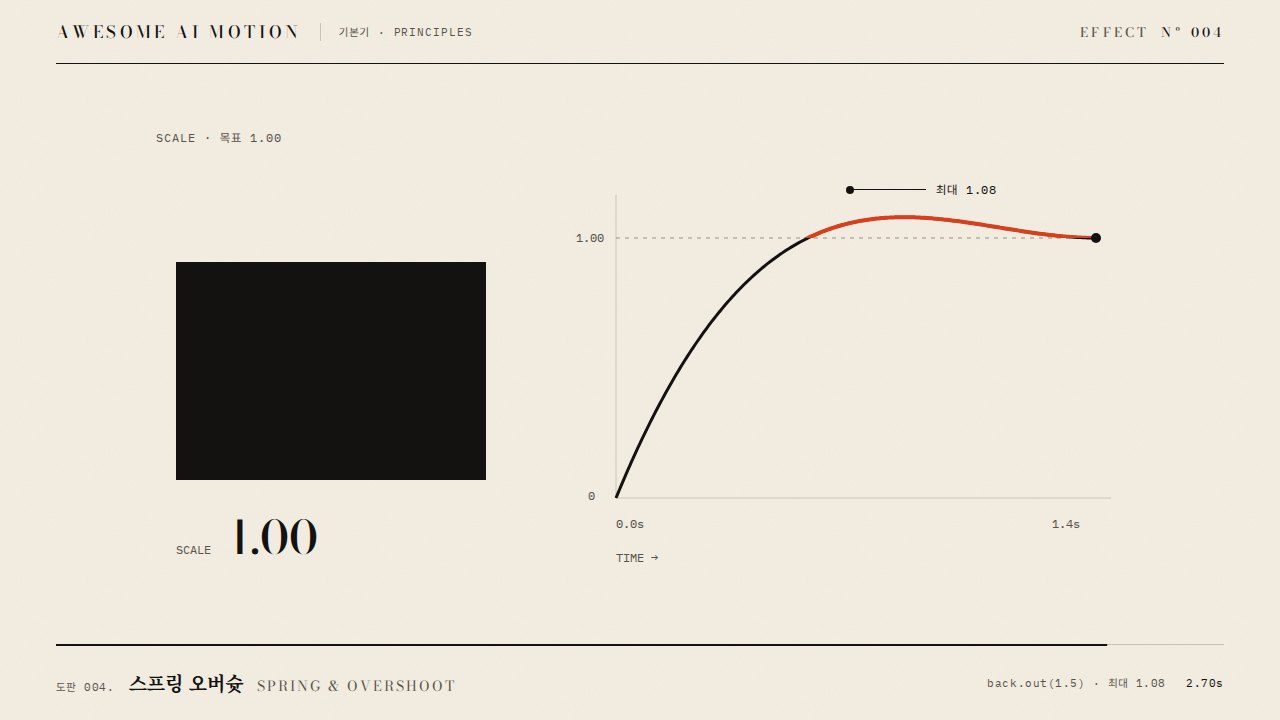
| 배율 경로 | 0.7→1.2→1 | 0.6~1.3 | 정점에서 오버슈트 |
| 이징 | power3.out | power2~power4.out | 끝에서 부드럽게 정지 |
tl.fromTo('.icon', { rotation: -360, scale: 0.7 }, { rotation: 0, scale: 1.2, duration: 0.45, ease: 'power3.out' }, 0.3)
.to('.icon', { scale: 1, duration: 0.25, ease: 'power2.inOut' });에이전트 프롬프트Agent prompts
그대로 붙여 넣는다Paste as is
GSAP으로 <대상> 아이콘에 회전 스케일 효과를 넣어줘. 0.3초부터 0.45초 동안 rotation -360에서 0, scale 0.7에서 1.2로 power3.out, 이어서 0.25초 동안 scale 1.2에서 1로 power2.inOut. 중심점은 50% 50%, paused 타임라인 하나로 만들어.
Add a rotate-scale to the <target> icon with GSAP. From 0.3s for 0.45s, rotation -360 to 0 and scale 0.7 to 1.2 with power3.out, then scale 1.2 to 1 over 0.25s with power2.inOut. Pivot at 50% 50% and use one paused timeline.
<파일>의 <대상>에 rotate-scale을 적용해. fromTo(rotation -360→0, scale 0.7→1.2, 0.45s, power3.out, position 0.3) 뒤 to(scale 1, 0.25s). 0.3초·0.55초·1.0초를 캡처해 시작 기울기, 최대 배율 1.2, 종료 배율 1.0을 확인해.
Apply rotate-scale to <target> in <file>. fromTo (rotation -360 to 0, scale 0.7 to 1.2, 0.45s, power3.out, position 0.3), then to scale 1 over 0.25s. Capture at 0.3s, 0.55s and 1.0s to check the start tilt, the peak scale 1.2 and the final scale 1.0.
도구별로 쓰기In your tools
HyperFrames · ReelForge · Scrolline
잘 맞는 조합Pairs well with
출처Sources
개념 출처와 라이선스. 구현은 이 레포에서 새로 씀Concept sources and licenses. Implementations are original to this repo
- animista.netBSD-2-Clause (FreeBSD)
- IanLunn/HoverMIT personal/open-source + paid commercial