경로 순차 강조Route Highlight
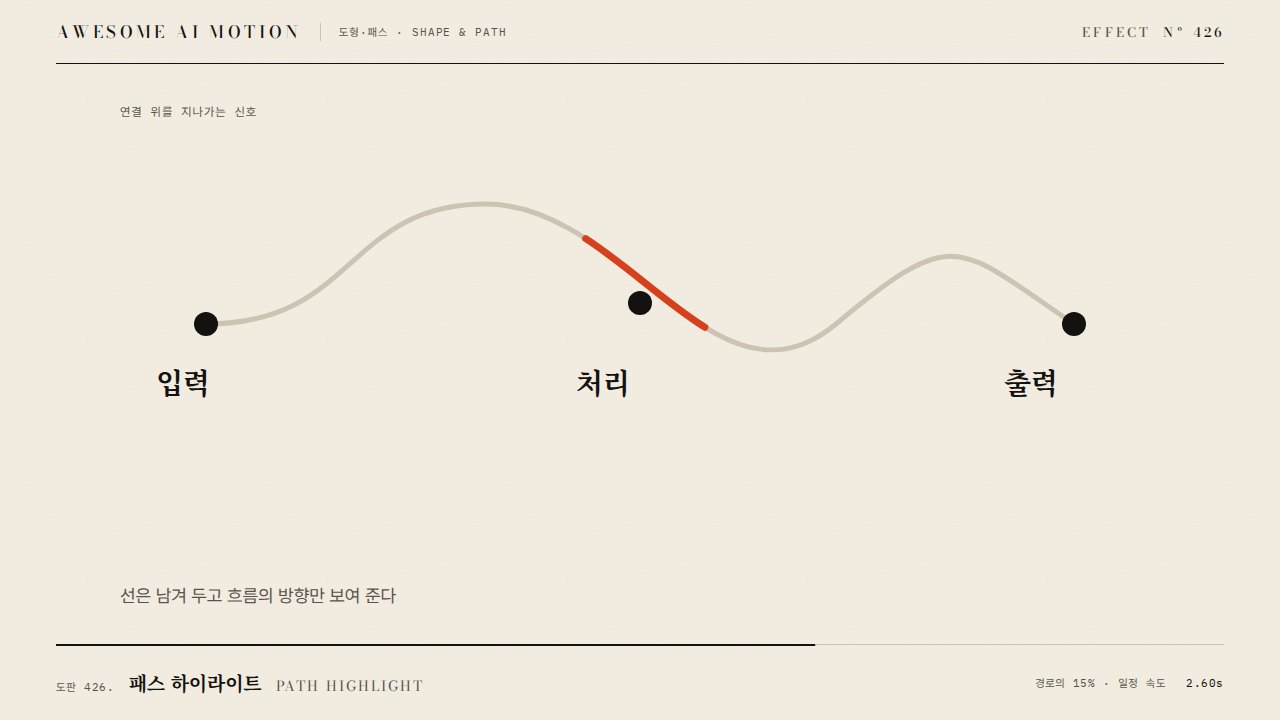
경로의 노드와 연결선이 출발부터 도착까지 차례로 밝아지고 나머지는 옅어지는 강조Nodes and links along a route light up in order from start to finish while the rest fades.
무엇을 전하나What it tells
- 고객 여정·자금 흐름처럼 하나의 경로를 추적할 때
- 선후 관계 그래프에서 선택한 선수 연결을 보여 줄 때
- When tracing one path such as a customer journey or money flow
- When showing a chosen prerequisite chain in a dependency graph
- 비선택 opacity 0.1~0.25
- 노드 수 8개 초과 경로는 구간으로 나눈다
- 도착 노드에서 0.5초 유지
좋은 예와 나쁜 예Good and bad use
경로 노드 5개가 0.35초 간격으로 차례로 진해지고 연결선 3px이 이어지며 나머지는 opacity 0.15로 내려간다
경로 전체가 한 번에 밝아져 순서를 알 수 없거나, 비선택 요소가 0.5 이상이라 배경이 시끄럽다
파라미터Parameters
기본값은 클립에 쓴 값Defaults are the values used in the clip
| 항목PARAM | 기본DEFAULT | 범위RANGE | 메모NOTE |
|---|---|---|---|
| 노드당 간격 | 0.35s | 0.25~0.5s | 다음 노드까지 |
| 비선택 opacity | 0.15 | 0.1~0.25 | 배경 감쇠 |
| 강조선 두께 | 3px | 2~5px | 1920x1080 기준 |
| 이징 | power2.out | none~power2.out | 선 그리기는 none |
tl.to('.node:not(.on), .edge:not(.on)', { opacity: 0.15, duration: 0.3 }, 0.2);
route.forEach((id, i) => {
  tl.to('#n' + id, { opacity: 1, scale: 1.15, duration: 0.25, ease: 'power2.out' }, 0.5 + i * 0.35);
  if (i) tl.fromTo('#e' + route[i - 1] + '-' + id, { strokeDashoffset: 1 }, { strokeDashoffset: 0, duration: 0.3, ease: 'none' }, 0.35 + i * 0.35);
});에이전트 프롬프트Agent prompts
그대로 붙여 넣는다Paste as is
GSAP으로 <대상> 그래프에서 경로 <경로 ID 배열>만 순서대로 밝혀줘. 0.2초에 나머지 노드와 선을 opacity 0.15로 내리고, 0.5초부터 0.35초 간격으로 노드를 opacity 1, scale 1.15로 키우며 사이 연결선을 strokeDashoffset 1에서 0으로 0.3초 그려. 선 두께 3px. paused 타임라인에 넣어.
Light up only the route <route ID array> in the <target> graph with GSAP. At 0.2s fade other nodes and links to opacity 0.15. From 0.5s, every 0.35s raise a node to opacity 1 and scale 1.15 and draw the link before it with strokeDashoffset 1 to 0 over 0.3s. Line width 3px. Put it on a paused timeline.
<파일>의 <대상>에 route-highlight를 적용해. 비선택 요소 opacity 0.15(0.3s, position 0.2), route.forEach로 노드 tween 0.25s(position 0.5+i*0.35), 연결선 strokeDashoffset 1→0 0.3s(position 0.35+i*0.35). 각 선 path에 pathLength=1을 둔다. 0.4초·1.2초·2.5초를 캡처해 밝은 구간이 출발에서 도착으로 늘어나는지 확인해.
Apply route-highlight to <target> in <file>. Dim non-route items to 0.15 (0.3s, position 0.2). In route.forEach tween nodes over 0.25s at position 0.5 + i*0.35 and links strokeDashoffset 1 to 0 over 0.3s at 0.35 + i*0.35, with pathLength=1 on each line. Capture at 0.4s, 1.2s and 2.5s to check the lit segment grows from start to end.
도구별로 쓰기In your tools
HyperFrames · ReelForge · Scrolline
잘 맞는 조합Pairs well with
출처Sources
개념 출처와 라이선스. 구현은 이 레포에서 새로 씀Concept sources and licenses. Implementations are original to this repo
- d3/d3-sankeyBSD-3-Clause
- the-pudding/sankey-nbaMIT
- chartjs/Chart.jsMIT