스포트라이트Spotlight
주변 화면을 옅게 낮추고 한 영역의 농도를 유지해 괄호로 집중시키는 동작An animation that dims the surrounding screen while keeping one region fully opaque and framing it with brackets.
무엇을 전하나What it tells
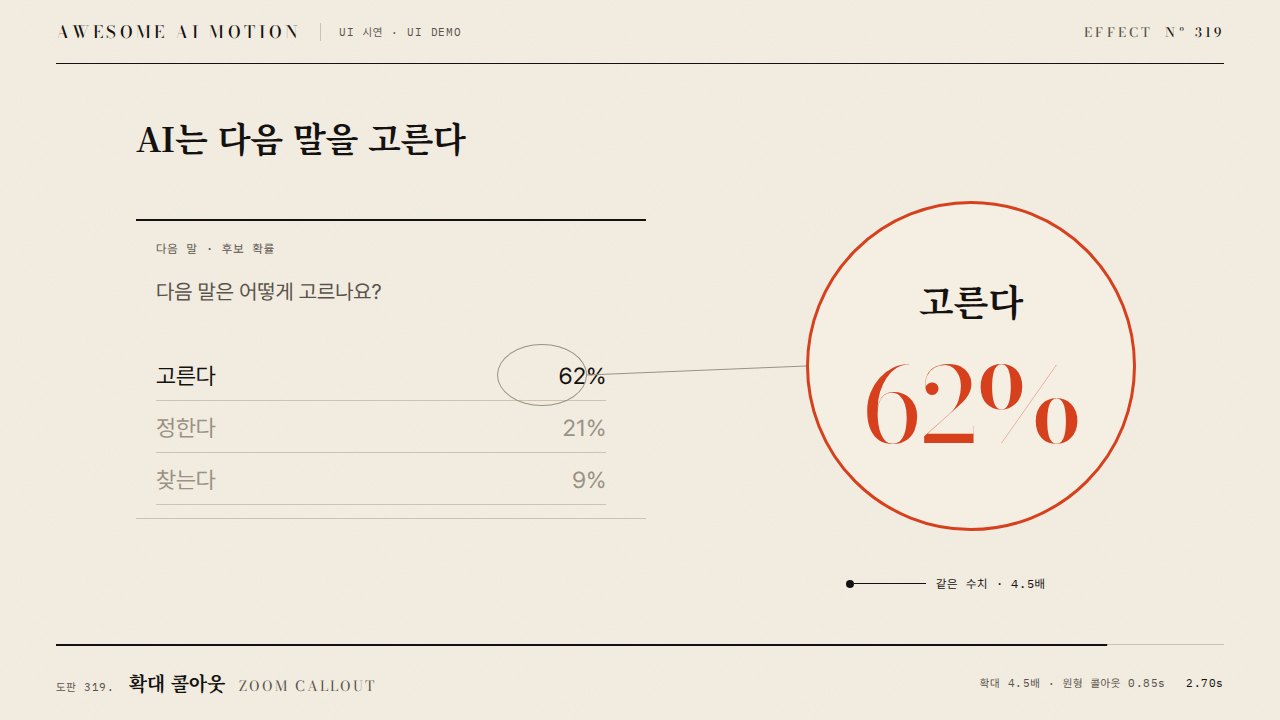
- 고른다 62%만 진하게 남기고 다른 후보와 제목은 opacity 0.25로 낮춘다
- 정보의 우선순위와 현재 읽어야 할 영역을 보여 줄 때
- When keeping only "picks 62%" fully opaque and dimming the other candidates and title to opacity 0.25
- When showing information priority and the region to read now
- 강조할 후보까지 함께 흐리게 만들거나 여러 영역에 주홍 괄호를 붙인다
- 동작 종료 뒤 최소 0.5초 읽기 시간을 둔다
좋은 예와 나쁜 예Good and bad use
고른다 62%만 진하게 남기고 다른 후보와 제목은 opacity 0.25로 낮춘다
강조할 후보까지 함께 흐리게 만들거나 여러 영역에 주홍 괄호를 붙인다
파라미터Parameters
기본값은 클립에 쓴 값Defaults are the values used in the clip
| 항목PARAM | 기본DEFAULT | 범위RANGE | 메모NOTE |
|---|---|---|---|
| 주변 농도 | 0.25 | 0.15~0.4 | 맥락을 남기는 옅은 상태 |
| 목표 농도 | 1.00 | 0.9~1 | 강조 대상은 원래 진하기 유지 |
| 주변 전환 | 0.65s | 0.3~0.8s | opacity만 낮춘다 |
| 괄호 그리기 | 0.45s / 3px | 0.25~0.6s / 2~4px | 한 영역 둘레를 주홍으로 표시 |
const tl = Motion.timeline();
tl.to('.context',{opacity:.25,duration:.65,ease:'power3.out'},.35);
tl.to('.brackets path',{strokeDashoffset:0,autoRound:false,duration:.45,ease:'power2.out'},.7);
tl.to('.lead',{opacity:1,duration:.25},1.4);에이전트 프롬프트Agent prompts
그대로 붙여 넣는다Paste as is
<대상> 후보 목록에서 고른다 62% 영역을 스포트라이트로 강조해줘. 목표 요소는 opacity 1로 유지하고 제목, 질문, 다른 후보를 0.35초부터 0.65초 동안 opacity 0.25로 낮춰. 0.7초부터 주홍 3px 테두리 괄호를 0.45초 동안 그리고 1.65~3초는 완성 상태로 유지해.
Highlight the "picks 62%" region in the <target> candidate list with a spotlight. Keep the target element at opacity 1, and dim the title, question, and other candidates to opacity 0.25 over 0.65 seconds starting at 0.35 seconds. Starting at 0.7 seconds, draw vermilion 3px outline brackets over 0.45 seconds. Hold the completed state from 1.65 to 3 seconds.
<파일>의 후보 목록을 context 그룹과 focus 영역으로 분리해. GSAP 타임라인에서 context만 0.35초부터 0.65초 동안 opacity 0.25로 바꾸고 focus는 1로 유지해. 주홍 SVG 괄호의 strokeDashoffset을 0.7~1.15초에 1에서 0으로 바꾸고 0.23초, 1.23초, 2.9초 캡처로 농도 대비, 한 영역의 괄호, 최종 홀드를 확인해.
Separate the candidate list in <file> into a context group and a focus region. In a GSAP timeline, change only context to opacity 0.25 over 0.65 seconds starting at 0.35 seconds, and keep focus at 1. Change strokeDashoffset on the vermilion SVG brackets from 1 to 0 between 0.7 and 1.15 seconds. Capture at 0.23, 1.23, and 2.9 seconds to check opacity contrast, brackets around a single region, and the final hold.
도구별로 쓰기In your tools
HyperFrames · ReelForge · Scrolline
잘 맞는 조합Pairs well with
쓰이는 곳Used in
출처Sources
개념 출처와 라이선스. 구현은 이 레포에서 새로 씀Concept sources and licenses. Implementations are original to this repo
- GSAP Timeline 공식 문서공식 문서 개념 참조
- ui.aceternity.comunknown
- DavidHDev/react-bitsMIT + Commons Clause v1.0
- magicuidesign/magicuiMIT
- ui.aceternity.comunknown
- ibelick/motion-primitivesMIT
- heygen-com/hyperframesApache-2.0
- Heer & Robertson 2007unknown