단어 강조Word Emphasis
정지한 문장에서 한 구절만 색과 크기를 바꾸고 주변 글을 옅게 만드는 효과A phrase changes color and scale within a stationary sentence while surrounding text fades.
무엇을 전하나What it tells
- 한 문장의 핵심 구절로 주의를 모을 때
- 내레이션의 강조 시점에 시각적 초점을 맞출 때
- Focus attention on a key phrase within a sentence.
- Align visual focus with an emphasized moment in narration.
- 주홍 초점을 여러 곳에 두지 않는다
- 크기 변화로 인접 글자를 겹치게 하지 않는다
좋은 예와 나쁜 예Good and bad use
다음 말만 주홍과 1.06배 크기로 강조되고 AI는과 을 고른다는 옅어진다
여러 단어를 동시에 주홍으로 바꾸어 초점이 분산된다
파라미터Parameters
기본값은 클립에 쓴 값Defaults are the values used in the clip
| 항목PARAM | 기본DEFAULT | 범위RANGE | 메모NOTE |
|---|---|---|---|
| 강조 배율 | 1.06 | 1.03~1.10 | 강조 구절 중심을 기준으로 확대한다 |
| 주변 불투명도 | 0.32 | 0.25~0.50 | 문장은 계속 읽을 수 있어야 한다 |
| 강조 지속 | 0.65s | 0.40~0.90s | 색과 크기를 함께 바꾼다 |
| 강조 시작 | 0.65s | 0.40~0.90s | 먼저 온전한 문장을 보여준다 |
const verm = getComputedStyle(document.documentElement).getPropertyValue('--verm').trim();
tl.to('#focus', {color:verm, scale:1.06, duration:.65, ease:'power2.inOut'}, .65);
tl.to('.rest', {opacity:.32, duration:.65, ease:'power2.inOut'}, .65);에이전트 프롬프트Agent prompts
그대로 붙여 넣는다Paste as is
<대상>에 이 효과를 적용하라. AI는 다음 말을 고른다를 먼저 온전한 문장으로 보여주고 다음 말만 별도 span으로 감싸라. 0.65초에 다음 말을 주홍 토큰 색과 scale 1.06으로 0.65초 동안 power2.inOut으로 바꾸며 나머지 문장은 opacity 0.32로 낮춰라. 3초 타임라인 안에서 마지막 0.6초는 완성 상태로 정지하라.
Apply this effect to <target>. First show "AI picks the next word" as a complete sentence, wrapping only "next word" in a separate span. At 0.65 seconds, animate "next word" to the vermilion color token and scale 1.06 over 0.65 seconds with power2.inOut, while lowering the rest of the sentence to opacity 0.32. Within a 3-second timeline, hold the completed state for the final 0.6 seconds.
<파일>의 텍스트 장면에 적용하라. AI는 다음 말을 고른다를 먼저 온전한 문장으로 보여주고 다음 말만 별도 span으로 감싸라. 0.65초에 다음 말을 주홍 토큰 색과 scale 1.06으로 0.65초 동안 power2.inOut으로 바꾸며 나머지 문장은 opacity 0.32로 낮춰라. 0.23초에 문장 전체가 먹색인지, 1.0초에 강조가 진행되는지, 2.7초에 다음 말만 주홍이고 주변과 겹치지 않는지 확인하라.
Apply this to the text scene in <file>. First show "AI picks the next word" as a complete sentence, wrapping only "next word" in a separate span. At 0.65 seconds, animate "next word" to the vermilion color token and scale 1.06 over 0.65 seconds with power2.inOut, while lowering the rest of the sentence to opacity 0.32. Verify that the whole sentence is ink-black at 0.23 seconds, emphasis is in progress at 1.0 seconds, and only "next word" is vermilion without overlapping surrounding text at 2.7 seconds.
도구별로 쓰기In your tools
HyperFrames · ReelForge · Scrolline
잘 맞는 조합Pairs well with
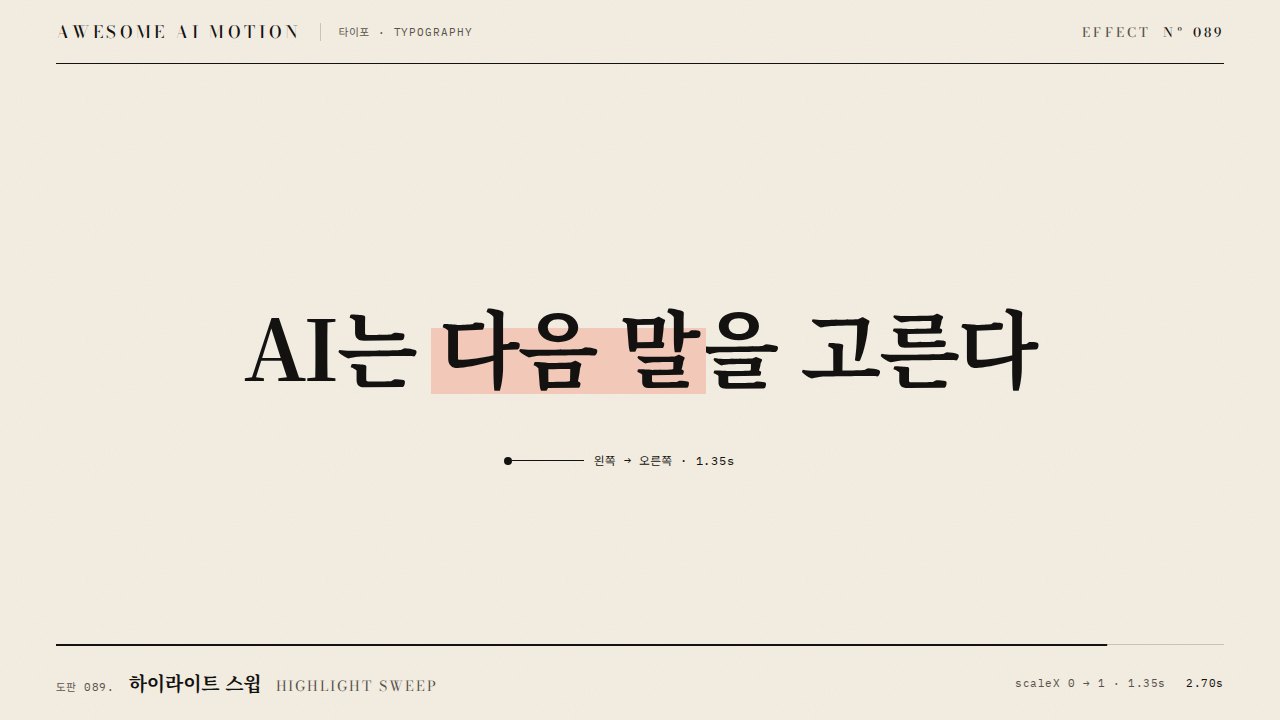
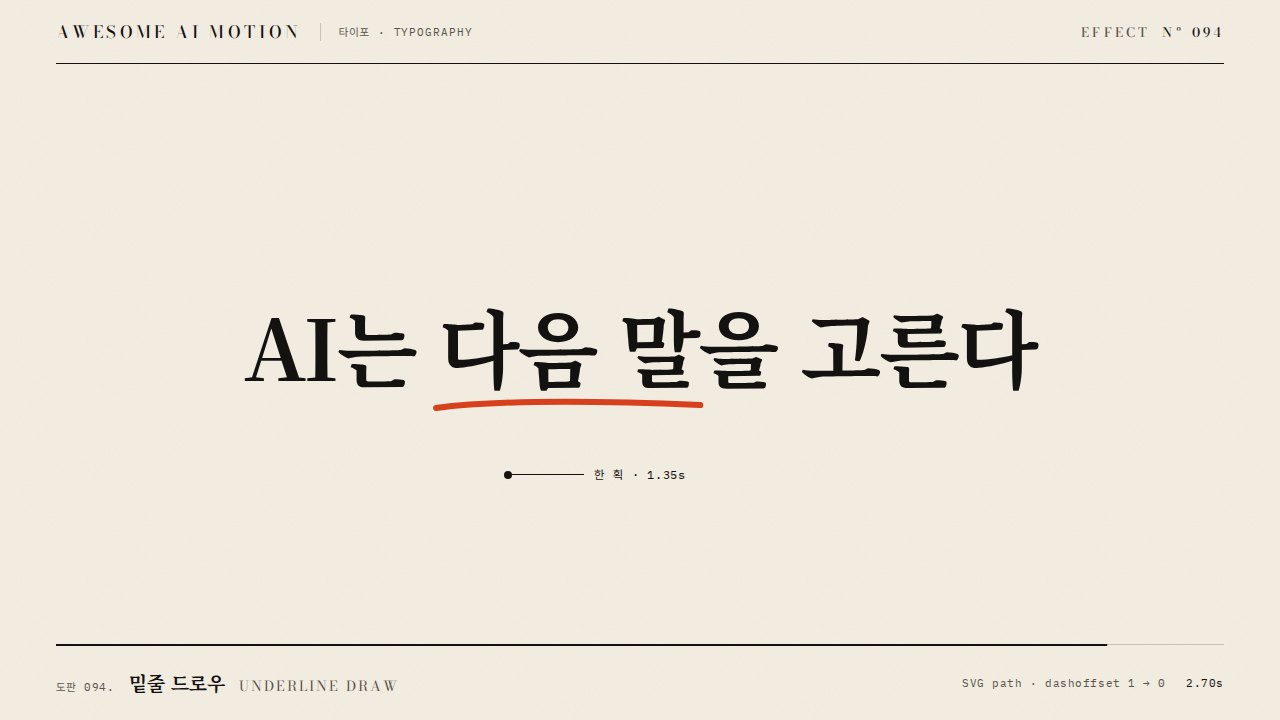
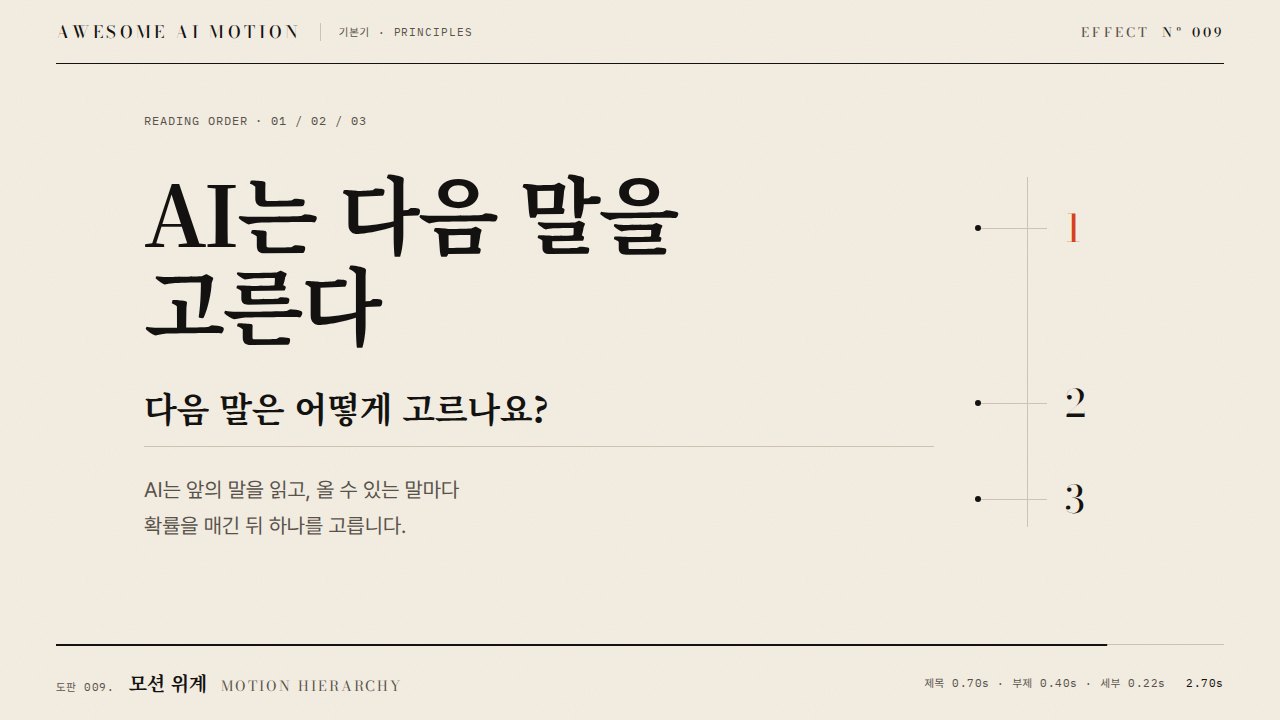
쓰이는 곳Used in
출처Sources
개념 출처와 라이선스. 구현은 이 레포에서 새로 씀Concept sources and licenses. Implementations are original to this repo
- GSAP Timeline 공식 문서공식 문서 개념 참조
- heygen-com/hyperframesApache-2.0
- heygen-com/hyperframesApache-2.0
- heygen-com/hyperframesApache-2.0
- Cambridge University Pressunknown
- Richard E. Mayer / Wileyunknown