주석 등장Annotation Callout
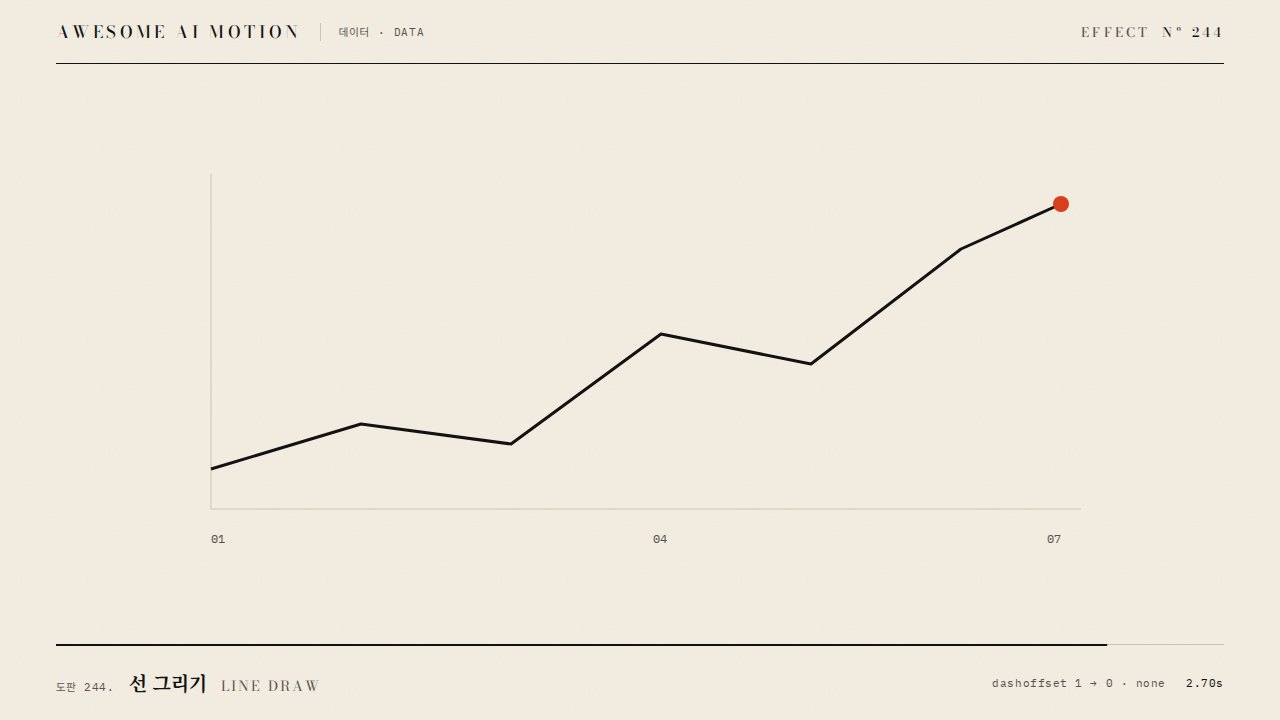
그래프의 한 점에서 지시선을 그린 뒤 주석을 보여주는 표현An animation that draws a leader line from a point on a chart and then reveals an annotation.
무엇을 전하나What it tells
- 주목할 데이터 지점과 그 의미를 보여줄 때
- 완성된 그래프의 한 점에 선택 비율 주석을 붙인다와 같은 장면을 만들 때
- When highlighting a significant data point and its meaning
- When adding a selection-rate annotation to a point on a completed chart
- 최종 상태를 0.5초 이상 유지한다
- 동일 화면에서 불필요한 주홍 강조를 추가하지 않는다
좋은 예와 나쁜 예Good and bad use
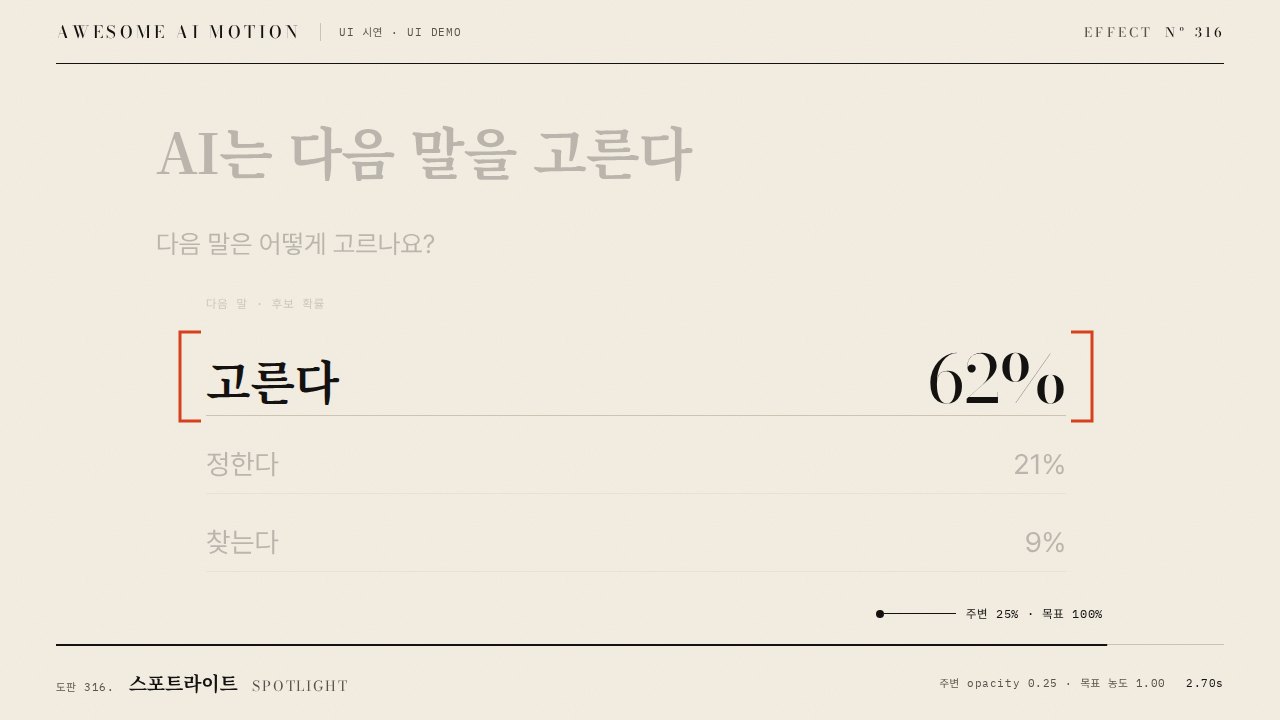
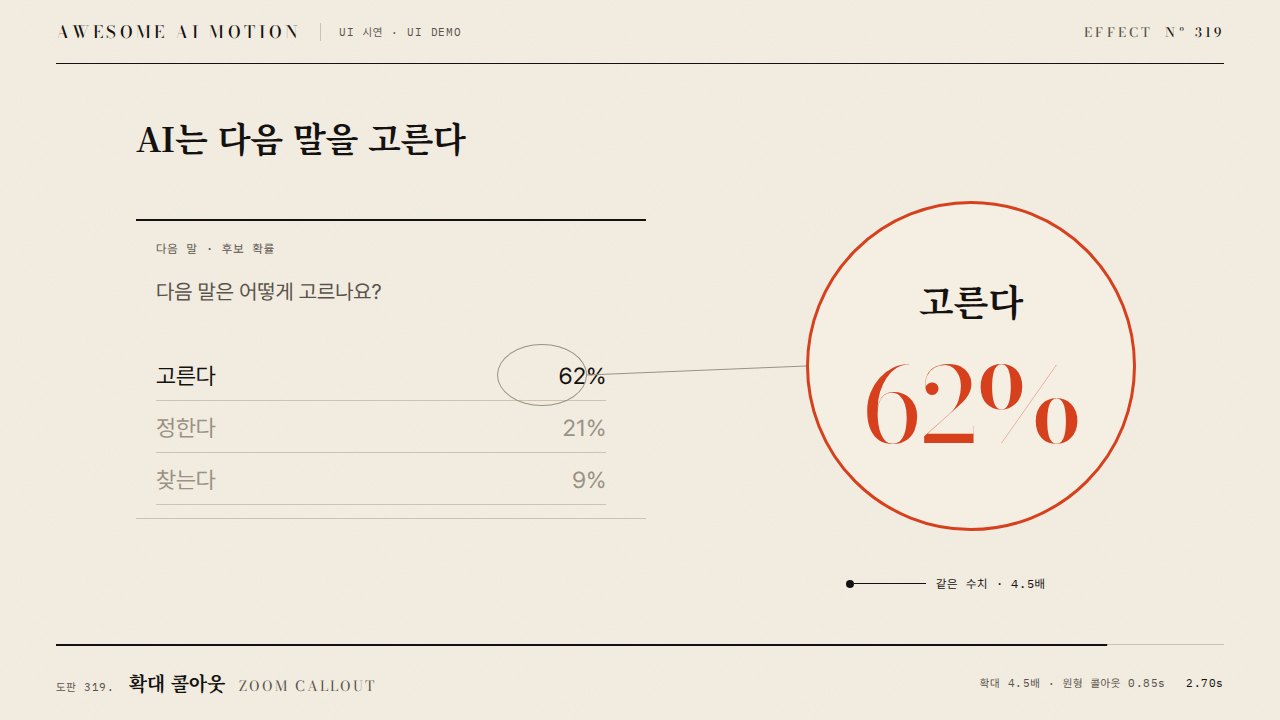
완성된 그래프의 한 점에 선택 비율 주석을 붙인다
여러 지시선을 동시에 그려 어떤 점을 설명하는지 모호하다
파라미터Parameters
기본값은 클립에 쓴 값Defaults are the values used in the clip
| 항목PARAM | 기본DEFAULT | 범위RANGE | 메모NOTE |
|---|---|---|---|
| 지시선 지속 | 0.65s | 0.4~0.9s | 점에서 주석 방향으로 그리기 |
| 주석 등장 | 1.22s | 1.1~1.5s | 선 완성 후 표시 |
| 텍스트 스태거 | 0.12s | 0.06~0.16s | 본문 다음 보조 수치 |
| 점 반지름 | 8px | 5~10px | 그래프 초점 표시 |
gsap.set('#call',{strokeDasharray:1,strokeDashoffset:1});
tl.to('#call',{strokeDashoffset:0,autoRound:false,duration:.65,ease:'none'},.45);
tl.fromTo('.note,.sub',{y:8,opacity:0},{y:0,opacity:1,duration:.35,stagger:.12},1.22);에이전트 프롬프트Agent prompts
그대로 붙여 넣는다Paste as is
<대상>에 주석 등장 효과를 적용해. 완성된 그래프의 한 점에 선택 비율 주석을 붙인다. 지시선 지속 0.65s; 주석 등장 1.22s; 텍스트 스태거 0.12s; 점 반지름 8px로 만들고 이징은 none / power3.out를 써. GSAP 타임라인 하나로 제어하고 2.5초부터 3초까지 완성 상태를 유지해.
Apply Annotation Callout to <target>. Add a selection-rate annotation to a point on a completed chart. Use these settings: leader-line duration 0.65s; annotation reveal at 1.22s; text stagger 0.12s; dot radius 8px; ease none / power3.out. Control everything with a single GSAP timeline and hold the completed state from 2.5 to 3 seconds.
<파일>의 데이터 장면에 주석 등장 효과를 구현해. 지시선 지속 0.65s; 주석 등장 1.22s; 텍스트 스태거 0.12s; 점 반지름 8px를 적용하고 이징은 none / power3.out로 지정해. 0초, 0.75초, 1.75초, 2.9초를 캡처해서 시작 상태와 진행 변화, 최종 상태의 잘림과 겹침을 확인해. Math.random과 타이머 없이 타임라인으로 재생하고 마지막 0.5초 이상 정지해.
Implement Annotation Callout in the data scene in <file>. Use these settings: leader-line duration 0.65s; annotation reveal at 1.22s; text stagger 0.12s; dot radius 8px; ease none / power3.out. Capture at 0, 0.75, 1.75, and 2.9 seconds to check the initial state, progression, and any clipping or overlap in the final state. Play using a timeline without Math.random or timers, and hold still for at least the final 0.5 seconds.
도구별로 쓰기In your tools
HyperFrames · ReelForge · Scrolline
잘 맞는 조합Pairs well with
쓰이는 곳Used in
출처Sources
개념 출처와 라이선스. 구현은 이 레포에서 새로 씀Concept sources and licenses. Implementations are original to this repo
- GSAP Timeline 공식 문서문서 참조
- IanLunn/HoverMIT personal/open-source + paid commercial
- shadcn-ui/uiMIT
- ui.aceternity.comunknown
- ibelick/motion-primitivesMIT
- DavidHDev/react-bitsMIT + Commons Clause v1.0
- heygen-com/hyperframesApache-2.0
- motion dictionary 4-explainer-learning.md#B. 공개 순서와 시선 유도own