클립 리빌Clip Reveal
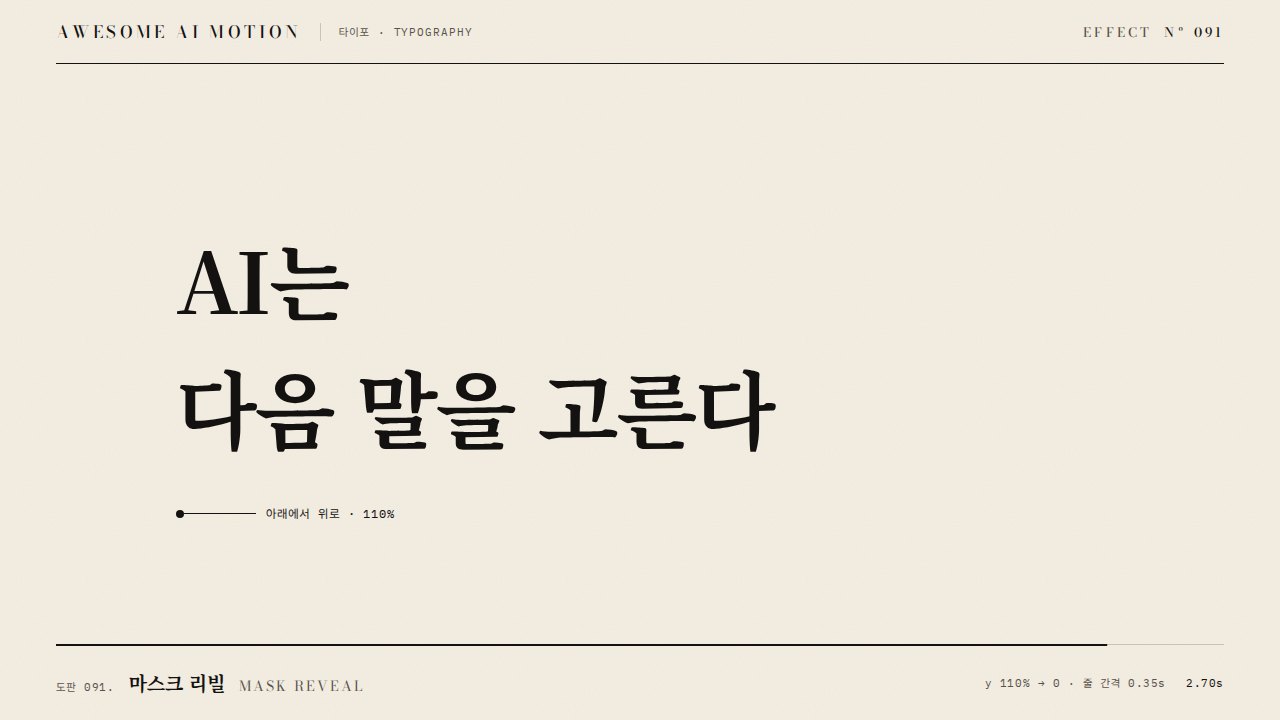
경계 안에서 보이는 영역을 넓혀 내용을 한쪽에서 드러내는 등장The visible region inside a boundary widens to reveal content from one side.
무엇을 전하나What it tells
- 제목·이미지가 아래에서 위로 열리듯 나타날 때
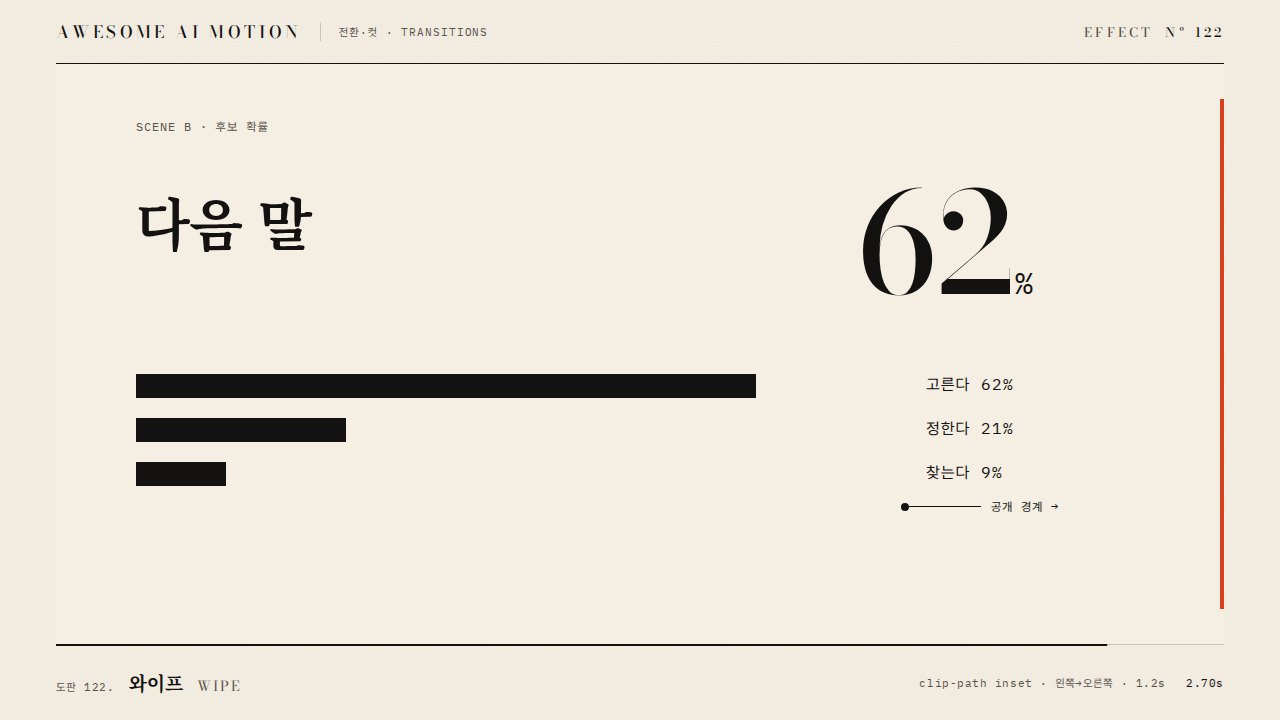
- 차트 막대나 선이 방향성 있게 공개될 때
- When a title or image opens upward like a shutter
- When bars or lines are revealed with a direction
- 시작 상태를 CSS에 미리 넣는다
- 방향은 읽는 방향과 맞춘다
- 길이 0.25~0.6초
좋은 예와 나쁜 예Good and bad use
이미지가 clip-path inset(100% 0 0 0)에서 inset(0)으로 350ms 동안 위로 열린다
clip-path 시작 상태가 CSS에 없어 첫 프레임에 전체가 보였다가 사라진다
파라미터Parameters
기본값은 클립에 쓴 값Defaults are the values used in the clip
| 항목PARAM | 기본DEFAULT | 범위RANGE | 메모NOTE |
|---|---|---|---|
| 길이 | 350ms | 250~600ms | 공개 시간 |
| inset | 100%→0% | 방향별 | 상향 공개 시 top |
| 방향 | 상향 | 상/하/좌/우 | 읽는 방향 기준 |
| 이징 | power3.out | power2~power4.out | 끝이 부드럽게 |
tl.fromTo('.img', { clipPath: 'inset(100% 0% 0% 0%)' }, { clipPath: 'inset(0% 0% 0% 0%)', duration: 0.35, ease: 'power3.out' }, 0.3);에이전트 프롬프트Agent prompts
그대로 붙여 넣는다Paste as is
GSAP으로 <대상> 이미지에 클립 리빌을 넣어줘. 0.3초부터 0.35초 동안 clipPath를 inset(100% 0% 0% 0%)에서 inset(0% 0% 0% 0%)로 power3.out으로 열어 위쪽으로 공개해. 초기값을 CSS에도 같이 넣어 첫 프레임 깜빡임을 막아. paused 타임라인에 넣어.
Add a clip reveal to the <target> image with GSAP. From 0.3s over 0.35s open clipPath from inset(100% 0% 0% 0%) to inset(0% 0% 0% 0%) with power3.out, revealing upward. Put the same initial value in CSS to avoid a first-frame flash. Paused timeline.
<파일>의 <대상>에 clip-reveal을 적용해. fromTo clipPath inset(100% 0 0 0)→inset(0 0 0 0), 0.35s, power3.out, position 0.3, CSS 초기값도 동일. 0.0초·0.4초·0.8초를 캡처해 0초에 보이지 않고 0.8초에 전체가 보이는지 확인해.
Apply clip-reveal to <target> in <file>. fromTo clipPath inset(100% 0 0 0) to inset(0 0 0 0), 0.35s, power3.out, position 0.3, with the same initial value in CSS. Capture at 0s, 0.4s and 0.8s to check it is hidden at 0s and fully visible at 0.8s.
도구별로 쓰기In your tools
HyperFrames · ReelForge · Scrolline
잘 맞는 조합Pairs well with
출처Sources
개념 출처와 라이선스. 구현은 이 레포에서 새로 씀Concept sources and licenses. Implementations are original to this repo
- motion dictionary 1-principles.md#8. 2D 속성 기본 동작own