마스크 리빌Mask Reveal
숨겨진 창 아래의 제목을 위로 올려 줄마다 드러내는 효과A title rises into clipped windows to reveal one line at a time.
무엇을 전하나What it tells
- 두 줄 제목을 순서대로 소개할 때
- 문단 시작에 시선을 모을 때
- Introduce a two-line title in sequence.
- Focus attention on the start of a paragraph.
- 본문 전체에 반복 적용하지 않는다
- 줄 높이보다 작은 창으로 글자를 자르지 않는다
좋은 예와 나쁜 예Good and bad use
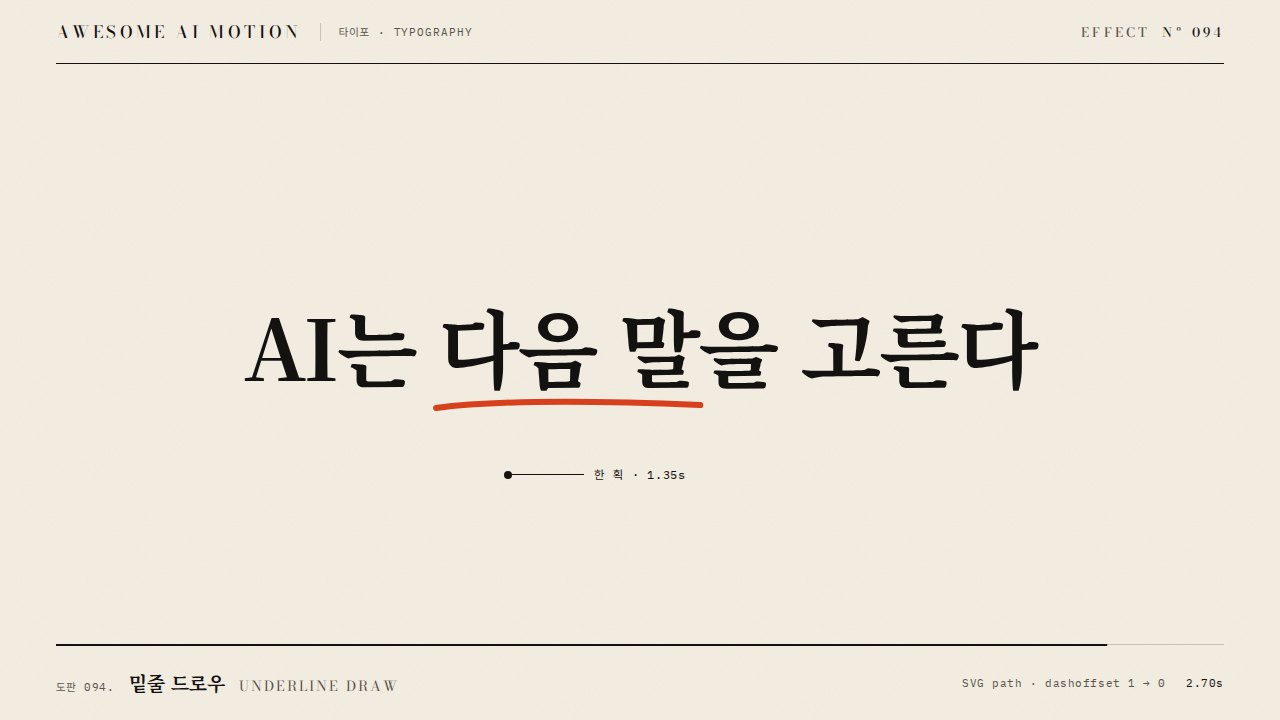
AI는 다음 말을 고른다를 두 줄로 나눠 0.35초 간격으로 올린다
마스크 없이 글자를 움직여 다음 줄과 겹친다
파라미터Parameters
기본값은 클립에 쓴 값Defaults are the values used in the clip
| 항목PARAM | 기본DEFAULT | 범위RANGE | 메모NOTE |
|---|---|---|---|
| 시작 이동 | 110% | 100~120% | 줄 높이를 기준으로 완전히 숨긴다 |
| 지속 | 1.05s | 0.6~1.2s | 한 줄이 올라오는 시간 |
| 줄 간격 | 0.35s | 0.15~0.45s | 두 번째 줄의 출발 지연 |
| 시작 | 0.3s | 0.2~0.4s | 준비 구간 |
const tl = Motion.timeline();
tl.fromTo('.line', {yPercent:110}, {yPercent:0, duration:1.05, stagger:0.35, ease:'power3.out'}, 0.3);
tl.to('.lead', {opacity:1, duration:0.25}, 1.8);
Motion.ready();에이전트 프롬프트Agent prompts
그대로 붙여 넣는다Paste as is
<대상>의 두 줄 제목에 마스크 리빌을 적용해. 각 줄을 높이 116px의 overflow hidden 창에 넣고 내부 글자를 0.3초부터 yPercent 110에서 0으로 1.05초 동안 power3.out으로 이동해. 두 번째 줄은 0.35초 늦게 시작하고 3초까지 완성 상태를 유지해.
Apply a mask reveal to the two-line title in <target>. Place each line inside a 116px-high overflow hidden window. Starting at 0.3 seconds, animate the inner text from yPercent 110 to 0 over 1.05 seconds with power3.out. Start the second line 0.35 seconds later and hold the completed state until 3 seconds.
<파일>의 제목 영역에 줄마다 overflow hidden 창과 내부 .line을 배치해. 0.3초부터 yPercent 110에서 0으로 duration 1.05초, stagger 0.35초, ease power3.out을 적용해. 0.23초, 0.73초, 1.23초, 2.9초를 캡처해 첫 준비 상태, 줄별 마스크 경계, 완성 홀드와 글자 잘림을 확인해.
In the title area of <file>, give each line an overflow hidden window and an inner .line element. Starting at 0.3 seconds, animate yPercent from 110 to 0 with duration 1.05 seconds, stagger 0.35 seconds, and ease power3.out. Capture at 0.23, 0.73, 1.23, and 2.9 seconds to check the initial state, per-line mask boundaries, completed hold, and text clipping.
도구별로 쓰기In your tools
HyperFrames · ReelForge · Scrolline
잘 맞는 조합Pairs well with

쓰이는 곳Used in
출처Sources
개념 출처와 라이선스. 구현은 이 레포에서 새로 씀Concept sources and licenses. Implementations are original to this repo
- GSAP fromTo()공식 문서 참조
- tympanus.net/codropsunknown
- ui.aceternity.comunknown
- DavidHDev/react-bitsMIT + Commons Clause v1.0
- heygen-com/hyperframesApache-2.0
- heygen-com/hyperframesApache-2.0
- heygen-com/hyperframesApache-2.0
- heygen-com/hyperframesApache-2.0