라이트 스윕Light Sweep
기울어진 빛 띠가 큰 숫자와 제목 글자 안쪽만 한 번 훑고 지나가 인쇄된 금속 광택처럼 보이게 한다.A tilted band of light passes once through a giant number and title, only inside the glyphs, like a metallic print sheen.
무엇을 전하나What it tells
- 큰 숫자·로고·표지 제목을 확정하며 보여줄 때
- 정적인 타이틀 카드에 한 번의 생기를 줄 때
- Present a big number, logo, or cover title as settled.
- Give a static title card a single moment of life.
- 띠 밝기는 종이색(--paper) 이하로(번쩍임 금지)
- 한 장면에 한 번만 지나간다
- 띠가 글자보다 넓으면 광택이 아니라 색 바뀜으로 읽힌다
좋은 예와 나쁜 예Good and bad use
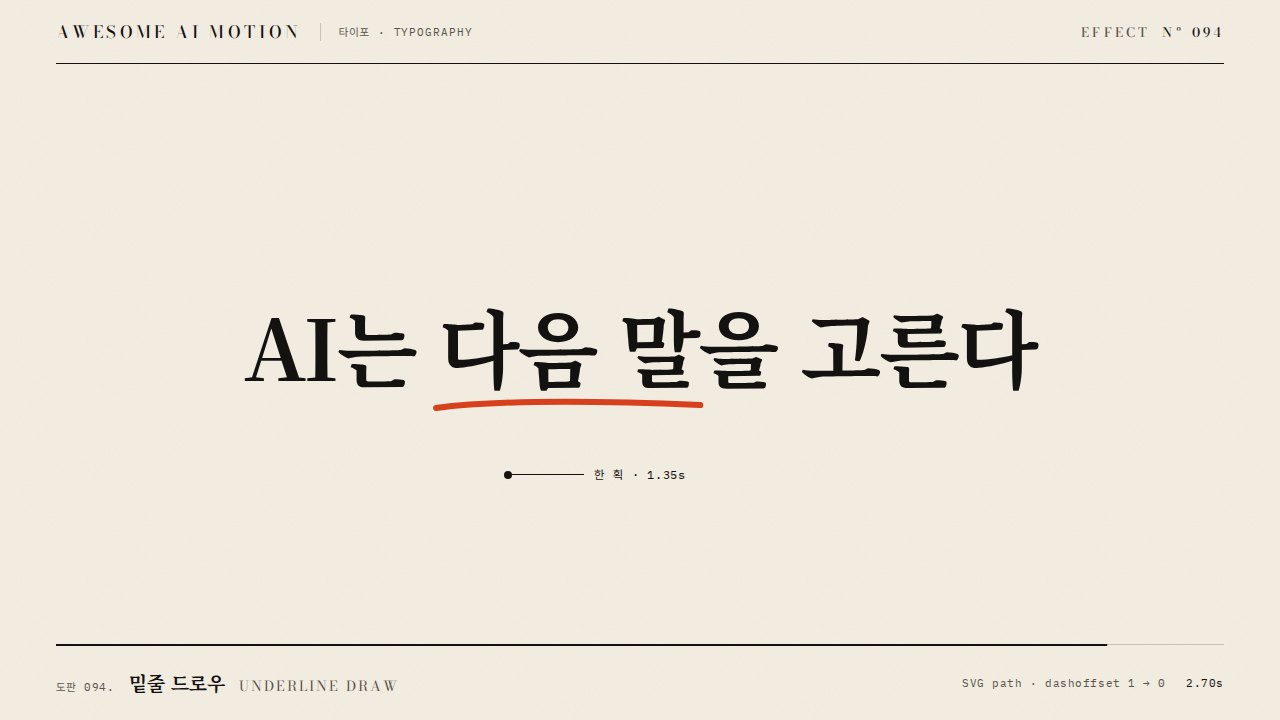
112도로 기운 폭 290px 띠가 1.5초에 걸쳐 939와 제목 위를 왼쪽 밖에서 오른쪽 밖으로 한 번 지나가고, 이어서 "다음 말" 아래 주홍 밑줄이 0.5초에 그어진다.
흰색에 가까운 넓은 띠가 빠르게 여러 번 지나가 화면이 깜박이거나, 글자 밖 종이까지 밝아져 조명 사고처럼 보인다.
파라미터Parameters
기본값은 클립에 쓴 값Defaults are the values used in the clip
| 항목PARAM | 기본DEFAULT | 범위RANGE | 메모NOTE |
|---|---|---|---|
| 띠 각도 | 112deg | 100~125deg | linear-gradient 각도 |
| 띠 폭 | 290px (배경의 9%) | 200~360px | 가운데 144px만 밝은 심 |
| 지나가는 시간 | 1.5s | 0.8~1.8s | power1.inOut, 한 번 |
| 배경 크기·이동 | 250% · 96.4% → 3.6% | 200~300% | 띠 중심 x -250px → 1530px |
.sheen{color:transparent;background-clip:text;background-size:250% 100%;
  background-image:linear-gradient(112deg,transparent 45.5%,var(--ink2) 47.8%,var(--ink3) 49.2%,var(--paper) 50%,var(--ink3) 50.8%,var(--ink2) 52.2%,transparent 54.5%)}
tl.fromTo('.sheen', {backgroundPosition: '96.4% 0%'}, {backgroundPosition: '3.6% 0%', duration: 1.5, ease: 'power1.inOut'}, 0.3);
tl.to('#ul', {scaleX: 1, duration: 0.5, ease: 'power3.out'}, 1.85);에이전트 프롬프트Agent prompts
그대로 붙여 넣는다Paste as is
<파일>의 <대상>(큰 숫자와 제목)에 라이트 스윕을 넣어줘. 같은 글자를 한 겹 더 겹치고 color transparent, background-clip:text에 112도 그라디언트(투명 45.5%, --ink2 47.8%, --paper 50%, --ink2 52.2%, 투명 54.5%)와 background-size 250%를 줘. backgroundPosition을 96.4%에서 3.6%로 1.5초 power1.inOut, 한 번만. 빛이 지나간 뒤 핵심어 아래 주홍 밑줄을 0.5초 power3.out으로 긋고 0.6초 이상 홀드해.
Add a light sweep to <target> (a big number and title) in <file>. Duplicate the text layer with color transparent and background-clip:text, using a 112deg gradient (transparent 45.5%, --ink2 47.8%, --paper 50%, --ink2 52.2%, transparent 54.5%) and background-size 250%. Tween backgroundPosition from 96.4% to 3.6% over 1.5s with power1.inOut, once. After the light passes, draw a vermilion underline under the key word in 0.5s with power3.out and hold for at least 0.6s.
<파일>의 타이틀 카드에 light sweep을 구현해. 기본 글자 레이어 위에 같은 마크업의 .sheen 레이어를 겹치고 background-clip:text로 띠를 글자 안에만 보이게 한다. 띠 가장 밝은 색은 --paper를 넘지 않게 하고, backgroundPosition '96.4% 0%'→'3.6% 0%' 1.5s power1.inOut 한 번. 0.8초·1.2초·2.9초를 캡처해 띠가 글자 안에서만 보이는지, 종이가 밝아지지 않는지, 끝 홀드에 띠가 남아 있지 않은지 확인해.
Implement a light sweep on the title card in <file>. Stack a .sheen layer with the same markup over the base text and use background-clip:text so the band shows only inside the glyphs. Keep the brightest stop at --paper or darker, and tween backgroundPosition '96.4% 0%' to '3.6% 0%' over 1.5s with power1.inOut, once. Capture at 0.8s, 1.2s, 2.9s to verify the band appears only inside the letters, the paper never brightens, and no band remains during the final hold.
도구별로 쓰기In your tools
HyperFrames · ReelForge · Scrolline
잘 맞는 조합Pairs well with
쓰이는 곳Used in
출처Sources
개념 출처와 라이선스. 구현은 이 레포에서 새로 씀Concept sources and licenses. Implementations are original to this repo
- helpx.adobe.comunknown
- airbnb/lottie-webMIT
- cycorefx.comunknown
- MDN background-clipCC-BY-SA 2.5