노이즈 디졸브 전환Noise Dissolve Transition
노이즈 값이 진행률보다 낮은 픽셀부터 지워져 앞 장면에 얼룩진 구멍이 번지고 다음 장면이 드러난다Pixels whose noise value falls below the progress disappear first, so blotchy holes spread through the first scene and reveal the next.
무엇을 전하나What it tells
- 질문 장면에서 답이나 데이터 장면으로 넘어갈 때
- 어두운 표지에서 밝은 본문으로 크게 바꿀 때
- 단순 크로스페이드보다 장면 교체를 한 번 더 강조하고 싶을 때
- Move from a question scene to an answer or data scene.
- Make a large switch from a dark cover plate to a light body plate.
- Emphasize a scene change more than a plain crossfade would.
- 노이즈를 매 프레임 새로 뽑지 않는다(고정 노이즈에 임계값만 이동)
- 테두리 두께 0.04 초과 금지(경계가 번쩍임처럼 보임)
- 두 장면 모두 밝으면 구멍이 안 보인다(명도 차 확보)
좋은 예와 나쁜 예Good and bad use
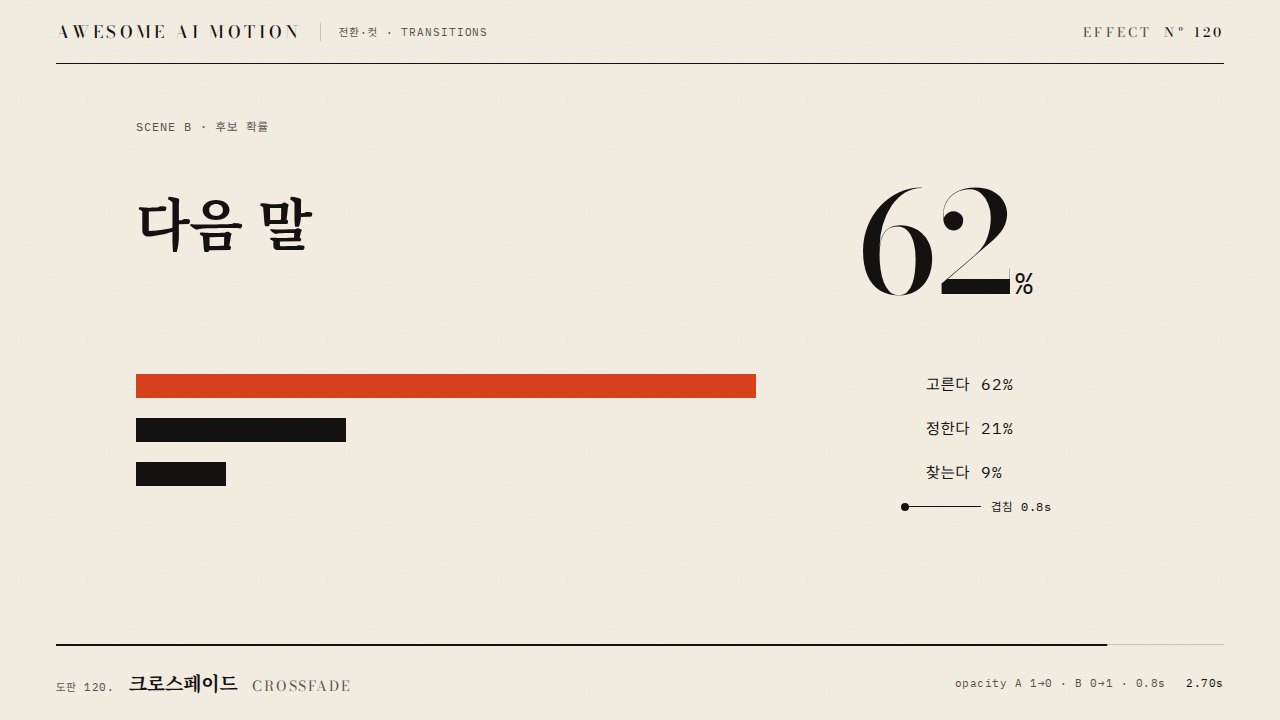
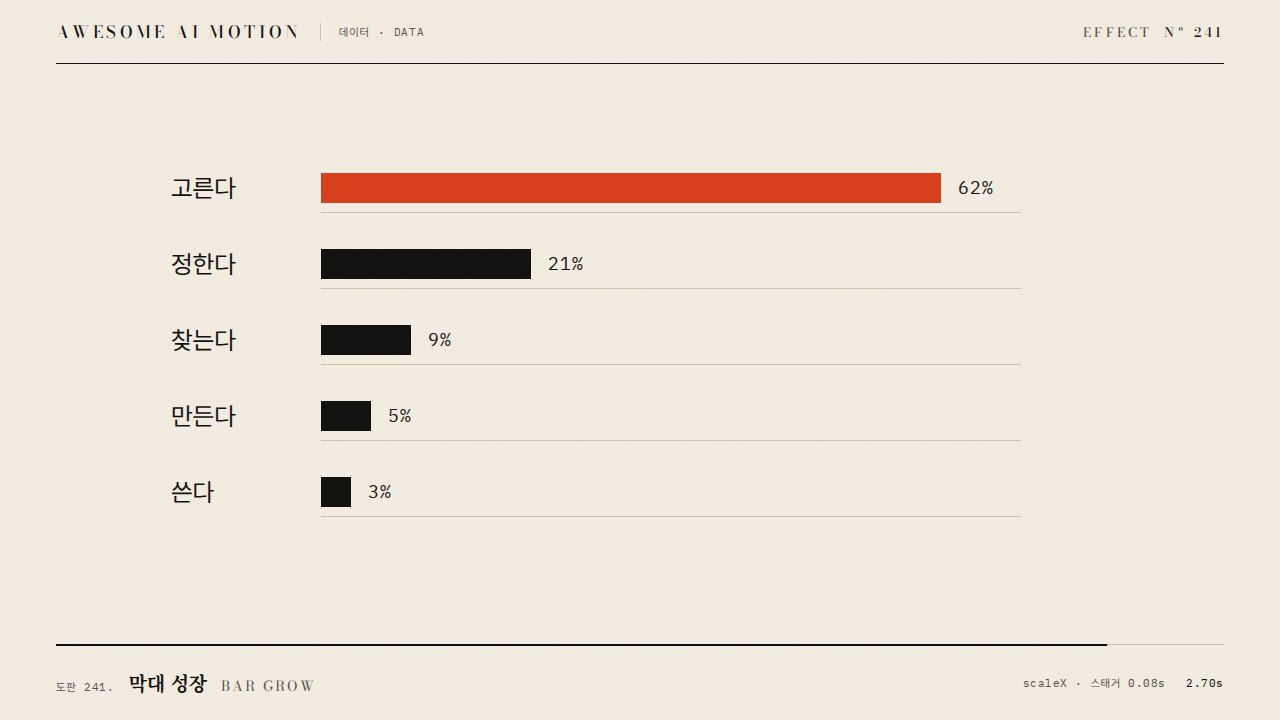
먹색 질문 도판에 구름 같은 구멍이 번지며 주홍 테두리가 경계를 따라가고, 다 지워지면 1위 막대만 주홍으로 바뀐다
노이즈 격자가 8px처럼 너무 촘촘해 잡티처럼 보이거나, 테두리를 두껍게 빛나게 해 번쩍이는 효과가 된다
파라미터Parameters
기본값은 클립에 쓴 값Defaults are the values used in the clip
| 항목PARAM | 기본DEFAULT | 범위RANGE | 메모NOTE |
|---|---|---|---|
| 노이즈 격자 | 190·95·48·16px | 큰 격자 120~260px | 클수록 큰 얼룩, 작은 옥타브는 가장자리 거칠기 |
| 전환 시간 | 1.9s | 0.9~2.2s | 교과서 값 0.9s, 교육용은 느리게 |
| 테두리 폭 | 0.022 | 0.01~0.04 | 노이즈 값 단위, 주홍 |
| 임계값 이징 | power1.inOut | none~power2.inOut | 히스토그램 평탄화 뒤라 면적이 이징대로 줄어듦 |
// setup: 값 노이즈 4옥타브를 픽셀마다 한 번 계산하고 순위로 평탄화
const th = -RIM - .01 + p * (1 + RIM + .02);
const e = NZ[i] - th;
if (e < 0) d[j + 3] = 0;            // 지워짐: 장면 B
else if (e < RIM) d.set(VERM, j);   // 주홍 테두리
else d.set(A.subarray(j, j + 4), j); // 장면 A
ctx.putImageData(out, 0, 0);
tl.to(pr, { p: 1, duration: 1.9, ease: 'power1.inOut', onUpdate: () => draw(pr.p) }, 0.35);에이전트 프롬프트Agent prompts
그대로 붙여 넣는다Paste as is
<파일>에서 <대상> 장면을 다음 장면으로 넘길 때 노이즈 디졸브 전환을 넣어줘. 앞 장면은 캔버스에 한 번 그려 두고, 값 노이즈 4옥타브(격자 190·95·48·16px, 시드 고정)를 픽셀마다 계산해 순위로 0~1 평탄화해. 진행률이 노이즈 값을 넘은 픽셀은 투명, 경계 0.022 폭은 주홍 테두리로 칠하고 전환은 1.9초 power1.inOut. 전환이 끝나면 다음 장면의 핵심 한 곳만 주홍으로 바꾸고 0.6초 홀드.
Add a noise dissolve transition in <file> when <target> hands off to the next scene. Draw the outgoing scene to a canvas once, compute 4-octave value noise per pixel (lattices 190, 95, 48, 16px, fixed seed) and equalize it to 0..1 by rank. Pixels whose noise is below the progress become transparent, a 0.022-wide band at the edge is painted vermilion, and the transition runs 1.9s with power1.inOut. When it ends, turn only the key element of the next scene vermilion and hold 0.6s.
<파일>의 장면 전환을 노이즈 디졸브로 바꿔. setup에서 앞 장면 ImageData와 평탄화한 노이즈 Float32Array(1280x580)를 만들고, draw(p)는 임계값 th=-0.032+p*1.042로 픽셀을 투명·주홍 테두리·원본 셋 중 하나로 채워 putImageData 한다. GSAP 프록시 tween(0.35초 시작, 1.9초, power1.inOut) onUpdate에서만 호출. 0.7초·1.2초·1.7초·2.8초를 캡처해 얼룩 구멍이 번지고 테두리가 경계를 따라가며 마지막에 B만 남는지 확인해.
Replace the scene change in <file> with a noise dissolve. In setup, build the outgoing scene ImageData and an equalized noise Float32Array (1280x580); draw(p) sets threshold th = -0.032 + p * 1.042 and fills each pixel as transparent, vermilion rim or original, then calls putImageData. Call it only from a GSAP proxy tween onUpdate (start 0.35s, 1.9s, power1.inOut). Capture 0.7s, 1.2s, 1.7s and 2.8s to verify blotchy holes spreading, the rim tracking the edge, and only scene B remaining.
도구별로 쓰기In your tools
HyperFrames · ReelForge · Scrolline
잘 맞는 조합Pairs well with
출처Sources
개념 출처와 라이선스. 구현은 이 레포에서 새로 씀Concept sources and licenses. Implementations are original to this repo