패럴랙스Parallax
카메라가 이동할 때 가까운 층은 빠르게, 먼 층은 느리게 흘러 깊이를 만드는 움직임A motion effect that creates depth by moving nearer layers faster and distant layers more slowly as the camera moves.
무엇을 전하나What it tells
- 배경과 전경의 거리를 보여줄 때
- 스크롤 장면에서 여러 깊이의 소재를 이동시킬 때
- When showing the distance between foreground and background
- When moving elements at multiple depths in a scrolling scene
- 모든 층을 같은 거리로 옮겨 깊이 차이가 사라진다
- 최종 상태를 0.5초 미만으로 유지하지 않는다
좋은 예와 나쁜 예Good and bad use
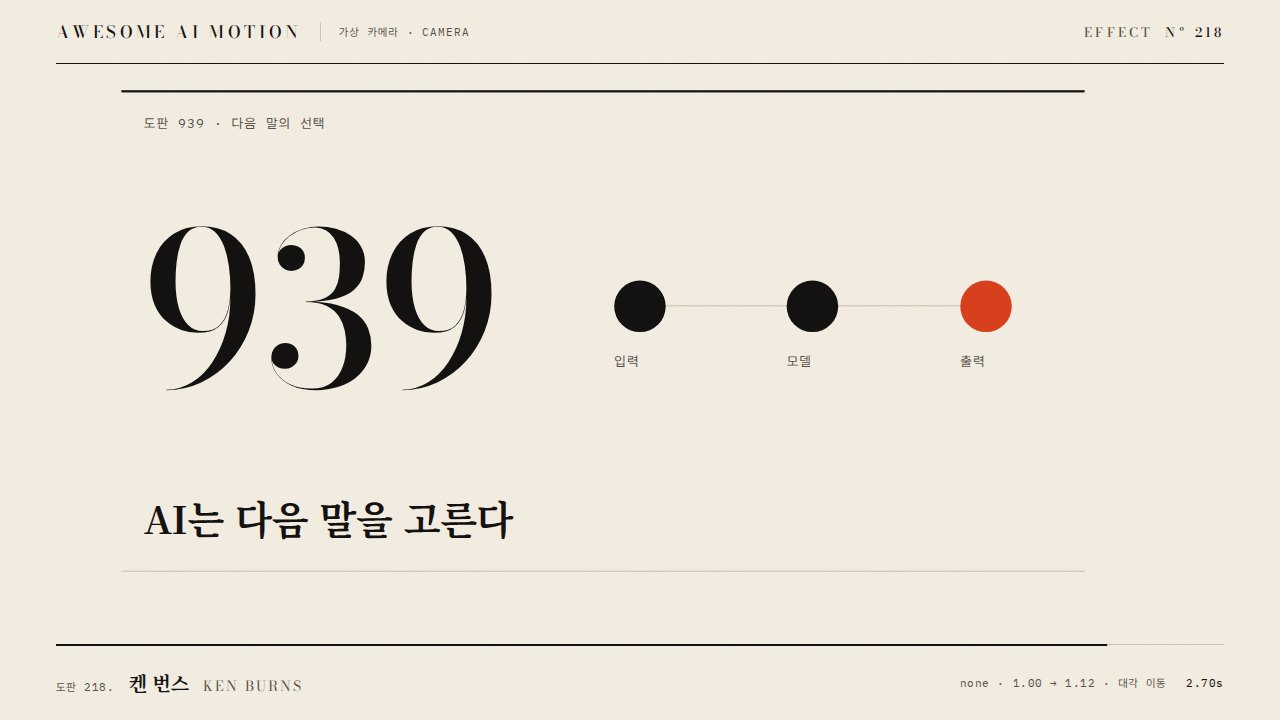
939 배경은 72px, 먹 블록은 144px, 가까운 주홍 점은 288px 이동한다
모든 층을 같은 거리로 옮겨 깊이 차이가 사라진다
파라미터Parameters
기본값은 클립에 쓴 값Defaults are the values used in the clip
| 항목PARAM | 기본DEFAULT | 범위RANGE | 메모NOTE |
|---|---|---|---|
| 카메라 이동 | 240px | 160~300px | 각 층 이동의 기준 |
| 깊이 배율 | 0.3 / 0.6 / 1.2 | 0.2~1.4 | 가까울수록 크게 |
| 이동 시간 | 2.1s | 1.5~2.2s | 0.3초 시작 후 2.4초 정지 |
| 이징 | none | none | 층간 속도 비율 유지 |
[ ['#far', .3], ['#mid', .6], ['#near', 1.2] ].forEach(([s, ratio]) => {
  tl.to(s, {x: -240 * ratio, duration: 2.1, ease: 'none'}, .3);
});
tl.to('#note', {opacity: 1, duration: .1}, 2.4);에이전트 프롬프트Agent prompts
그대로 붙여 넣는다Paste as is
<대상>에 패럴랙스 효과를 GSAP 코어로 만들어줘. 939 배경은 72px, 먹 블록은 144px, 가까운 주홍 점은 288px 이동한다 3초 클립에서 0.3초까지 시작 상태를 유지하고 다음 기본값을 적용해: 카메라 이동 240px, 깊이 배율 0.3 / 0.6 / 1.2, 이동 시간 2.1s, 이징 none. 마지막 0.5초 이상은 완성 상태로 정지하고 시간 제어는 paused 타임라인 하나로 해.
Create a Parallax effect on <target> using GSAP core. Move the 939 background by 72px, the ink-black blocks by 144px, and the nearby vermilion dots by 288px. In a 3-second clip, hold the initial state until 0.3 seconds and apply these defaults: camera travel 240px, depth multipliers 0.3 / 0.6 / 1.2, movement duration 2.1s, ease none. Hold the completed state for at least the final 0.5 seconds, and control timing with a single paused timeline.
<파일>의 scene 내부에 패럴랙스를 적용해. 카메라 이동는 240px. 깊이 배율는 0.3 / 0.6 / 1.2. 이동 시간는 2.1s. 이징는 none. 0.23초, 1.23초, 2.9초를 캡처해 시작 상태와 중간 변화, 939 배경은 72px, 먹 블록은 144px, 가까운 주홍 점은 288px 이동한다의 최종 상태를 확인해. 2.5초와 2.9초의 장면이 같은지, 의도한 카메라 프레임 외의 잘림과 라벨 겹침이 없는지 검증해.
Apply Parallax inside the scene in <file>. Use these settings: camera travel 240px, depth multipliers 0.3 / 0.6 / 1.2, movement duration 2.1s, ease none. Capture at 0.23, 1.23, and 2.9 seconds to check the initial state, intermediate changes, and the final state: Move the 939 background by 72px, the ink-black blocks by 144px, and the nearby vermilion dots by 288px. Verify that the scenes at 2.5 and 2.9 seconds match, with no clipping beyond the intended camera frame or overlapping labels.
도구별로 쓰기In your tools
HyperFrames · ReelForge · Scrolline
잘 맞는 조합Pairs well with
쓰이는 곳Used in
출처Sources
개념 출처와 라이선스. 구현은 이 레포에서 새로 씀Concept sources and licenses. Implementations are original to this repo
- GSAP Timeline.to()공식 API 문서 참조
- pixel-point/animate-textunknown
- helpx.adobe.comunknown
- heygen-com/hyperframesApache-2.0
- basementstudio/scrollytellingMIT
- iart-ai/webgl-animation-skillsMIT
- pixel-point/animate-textunknown
- heygen-com/hyperframesApache-2.0