팬Pan
확대율을 유지한 채 가로로 긴 장면을 한 방향으로 훑는 카메라 움직임A camera move that scans a wide scene in one direction while keeping the scale constant.
무엇을 전하나What it tells
- 긴 프로세스 도해를 차례로 훑을 때
- 가로로 놓인 장면의 마지막 대상에서 멈출 때
- When scanning a long process diagram in sequence
- When stopping on the final subject in a horizontal scene
- 이동 도중 방향을 여러 번 바꾸거나 마지막 단계가 잘린 채 멈춘다
- 최종 상태를 0.5초 미만으로 유지하지 않는다
좋은 예와 나쁜 예Good and bad use
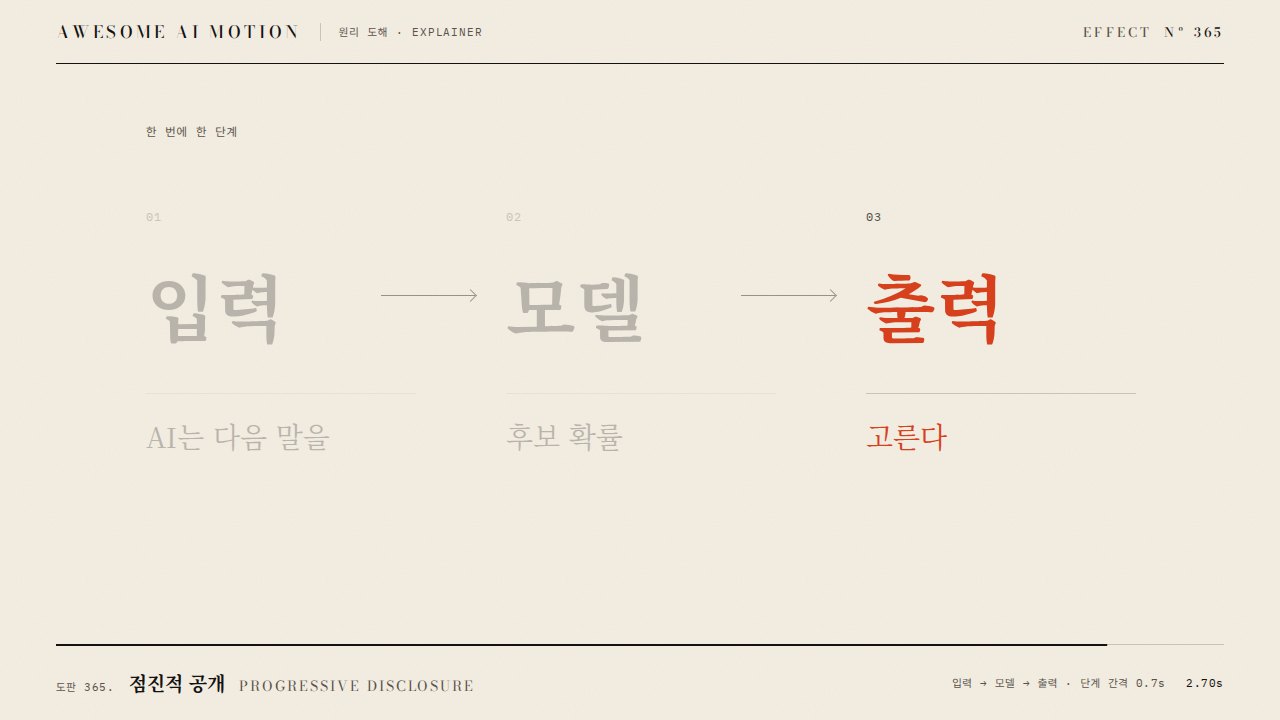
입력, 계산, 출력 도해를 오른쪽으로 훑고 3 출력에서 멈춘 뒤 주홍으로 강조한다
이동 도중 방향을 여러 번 바꾸거나 마지막 단계가 잘린 채 멈춘다
파라미터Parameters
기본값은 클립에 쓴 값Defaults are the values used in the clip
| 항목PARAM | 기본DEFAULT | 범위RANGE | 메모NOTE |
|---|---|---|---|
| 이동 거리 | -1100px | -600~-1400px | 3번 정거장 시작 위치에 맞춤 |
| 정거장 간격 | 550px | 420~650px | 서로 독립된 화면 위치 |
| 동작 시간 | 2.0s | 1.5~2.1s | 3에서 2.3초에 정지 |
| 이징 | power1.inOut | none / power1.inOut | 단방향 이동 유지 |
tl.to('#strip', {x: -1100, duration: 2.0, ease: 'power1.inOut'}, .3);
tl.to('#s3 .num, #s3 .t-m', {color: 'var(--verm)', duration: .15}, 2.3);
tl.to('#note', {opacity: 1, duration: .15}, 2.3);에이전트 프롬프트Agent prompts
그대로 붙여 넣는다Paste as is
<대상>에 팬 효과를 GSAP 코어로 만들어줘. 입력, 계산, 출력 도해를 오른쪽으로 훑고 3 출력에서 멈춘 뒤 주홍으로 강조한다 3초 클립에서 0.3초까지 시작 상태를 유지하고 다음 기본값을 적용해: 이동 거리 -1100px, 정거장 간격 550px, 동작 시간 2.0s, 이징 power1.inOut. 마지막 0.5초 이상은 완성 상태로 정지하고 시간 제어는 paused 타임라인 하나로 해.
Create a Pan effect on <target> using GSAP core. Scan the input, computation, and output diagram to the right, stop at 3 Output, and highlight it in vermilion. In a 3-second clip, hold the initial state until 0.3 seconds and apply these defaults: translation -1100px, stop spacing 550px, duration 2.0s, ease power1.inOut. Hold the completed state for at least the final 0.5 seconds, and control timing with a single paused timeline.
<파일>의 scene 내부에 팬를 적용해. 이동 거리는 -1100px. 정거장 간격는 550px. 동작 시간는 2.0s. 이징는 power1.inOut. 0.23초, 1.23초, 2.9초를 캡처해 시작 상태와 중간 변화, 입력, 계산, 출력 도해를 오른쪽으로 훑고 3 출력에서 멈춘 뒤 주홍으로 강조한다의 최종 상태를 확인해. 2.5초와 2.9초의 장면이 같은지, 의도한 카메라 프레임 외의 잘림과 라벨 겹침이 없는지 검증해.
Apply Pan inside the scene in <file>. Use these settings: translation -1100px, stop spacing 550px, duration 2.0s, ease power1.inOut. Capture at 0.23, 1.23, and 2.9 seconds to check the initial state, intermediate changes, and the final state: Scan the input, computation, and output diagram to the right, stop at 3 Output, and highlight it in vermilion. Verify that the scenes at 2.5 and 2.9 seconds match, with no clipping beyond the intended camera frame or overlapping labels.
도구별로 쓰기In your tools
HyperFrames · ReelForge · Scrolline
잘 맞는 조합Pairs well with
쓰이는 곳Used in
출처Sources
개념 출처와 라이선스. 구현은 이 레포에서 새로 씀Concept sources and licenses. Implementations are original to this repo
- GSAP Timeline.to()공식 API 문서 참조
- heygen-com/hyperframesApache-2.0
- helpx.adobe.comunknown
- motion dictionary 2-transitions-camera.md#22. 팬 · Panown
- motion dictionary 2-transitions-camera.md#23. 틸트 · Tiltown