텍스트 구멍 줌Text Cutout Zoom
글자 모양 구멍으로 다음 장면이 보이다가 구멍이 커져 화면을 채우는 전환A scene shows through a letter-shaped hole, and the hole grows until it fills the frame.
무엇을 전하나What it tells
- 타이틀 카드에서 본편 첫 장면으로 넘어갈 때
- 챕터 제목이 다음 챕터 영상으로 열릴 때
- Move from a title card to the first scene of the main piece.
- Open a chapter title into the next chapter footage.
- 가는 글꼴 금지(구멍이 너무 작음)
- scale 종점이 화면을 다 덮지 못하면 안 된다(글자 크기 기준 계산)
- 확대 중 마스크 가장자리 계단 현상 확인 필수
좋은 예와 나쁜 예Good and bad use
검은 화면 위 흰 'START' 모양 구멍으로 영상이 보이다가 1.2초 동안 scale 1에서 25로 커져 전체 화면이 영상으로 바뀐다
구멍이 커지는 동안 뒤 영상까지 함께 확대돼 원근이 사라지고, 가는 글꼴이라 구멍이 작아 아무것도 안 보인다
파라미터Parameters
기본값은 클립에 쓴 값Defaults are the values used in the clip
| 항목PARAM | 기본DEFAULT | 범위RANGE | 메모NOTE |
|---|---|---|---|
| 마스크 scale | 1→25 | 15→40 | 화면을 덮을 때까지 |
| 지속 | 1200ms | 900~1600ms | 전체 확대 |
| 이징 | power3.inOut | power2~power4.inOut | 시작 느리고 끝에 폭발 |
| 확대 중심 | 글자 중심 | 특정 글자 중심 | 단일 글자 관통 변형 |
/* <mask id="m"><rect fill="#fff" .../><text id="hole" fill="#000" .../></mask> */
tl.to('#hole', { scale: 25, transformOrigin: '50% 50%', duration: 1.2, ease: 'power3.inOut' }, 0.5);에이전트 프롬프트Agent prompts
그대로 붙여 넣는다Paste as is
<대상>에서 검은 배경에 흰 굵은 제목 '<문구>' 모양의 구멍을 SVG mask로 만들고 그 뒤에 <다음 장면>이 보이게 해줘. 0.5초 정지 후 1.2초 동안 구멍(글자)을 scale 1에서 25로 power3.inOut으로 키워 화면이 완전히 다음 장면으로 채워지게 해. paused 타임라인으로 seek 되게 해.
In <target> make a hole shaped like the heavy title '<text>' in a black background with an SVG mask so <next scene> shows through. Hold 0.5 seconds, then scale the hole from 1 to 25 over 1.2 seconds with power3.inOut until the frame is completely filled with the next scene. Use a paused timeline so it can be seeked.
<파일>의 제목 전환을 mask 안 text의 scale tween(1→25, 1.2s, power3.inOut, delay 0.5s)으로 구현해. 0.3초, 1.0초, 1.7초, 2.2초를 캡처해 구멍 크기 진행과 2.2초에 검은 영역이 남지 않았는지 확인해.
In <file> implement the title transition as a scale tween on the mask text (1 to 25, 1.2s, power3.inOut, delay 0.5s). Capture at 0.3s, 1.0s, 1.7s and 2.2s to verify the hole growth and that no black area remains at 2.2s.
도구별로 쓰기In your tools
HyperFrames · ReelForge · Scrolline
잘 맞는 조합Pairs well with
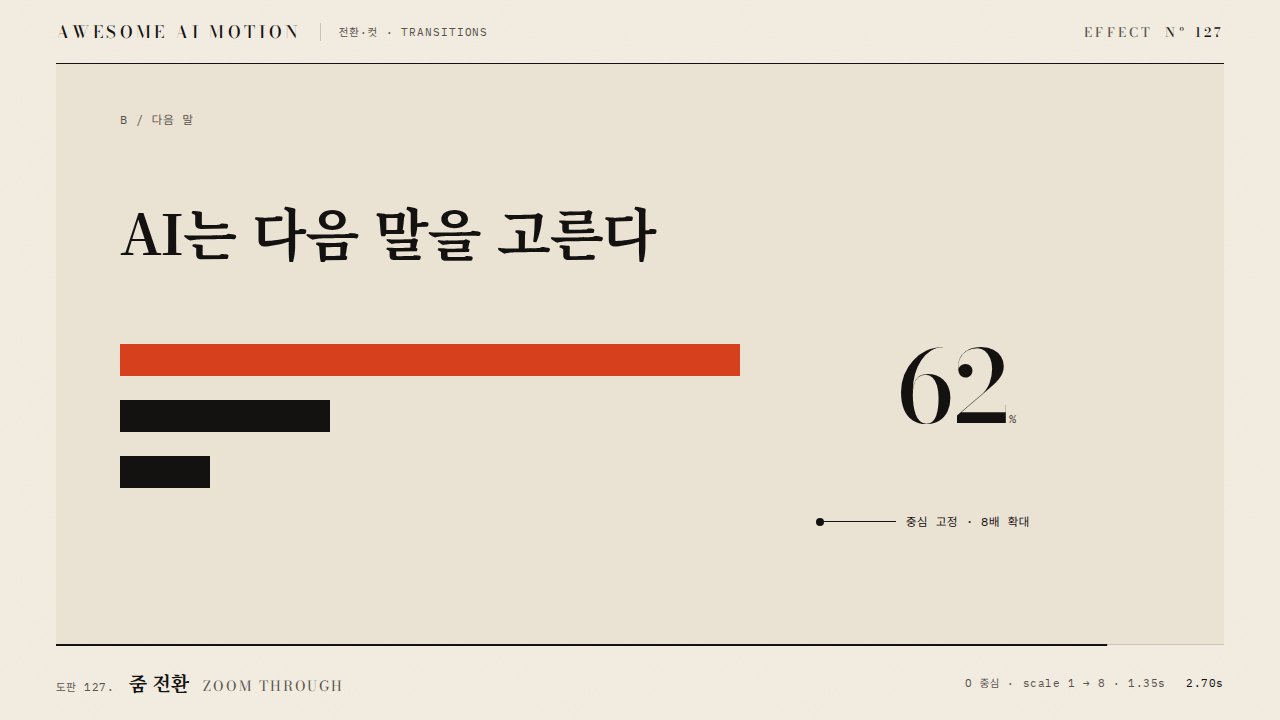
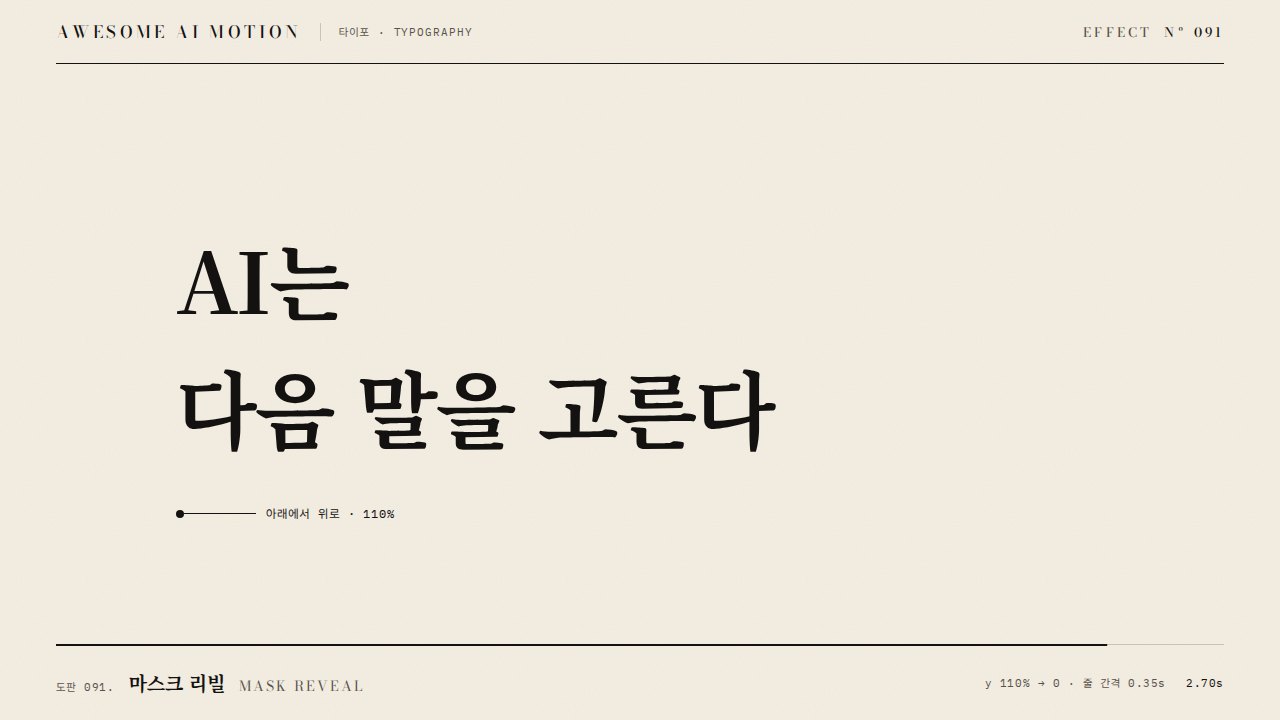
출처Sources
개념 출처와 라이선스. 구현은 이 레포에서 새로 씀Concept sources and licenses. Implementations are original to this repo