테두리 리빌Border Reveal
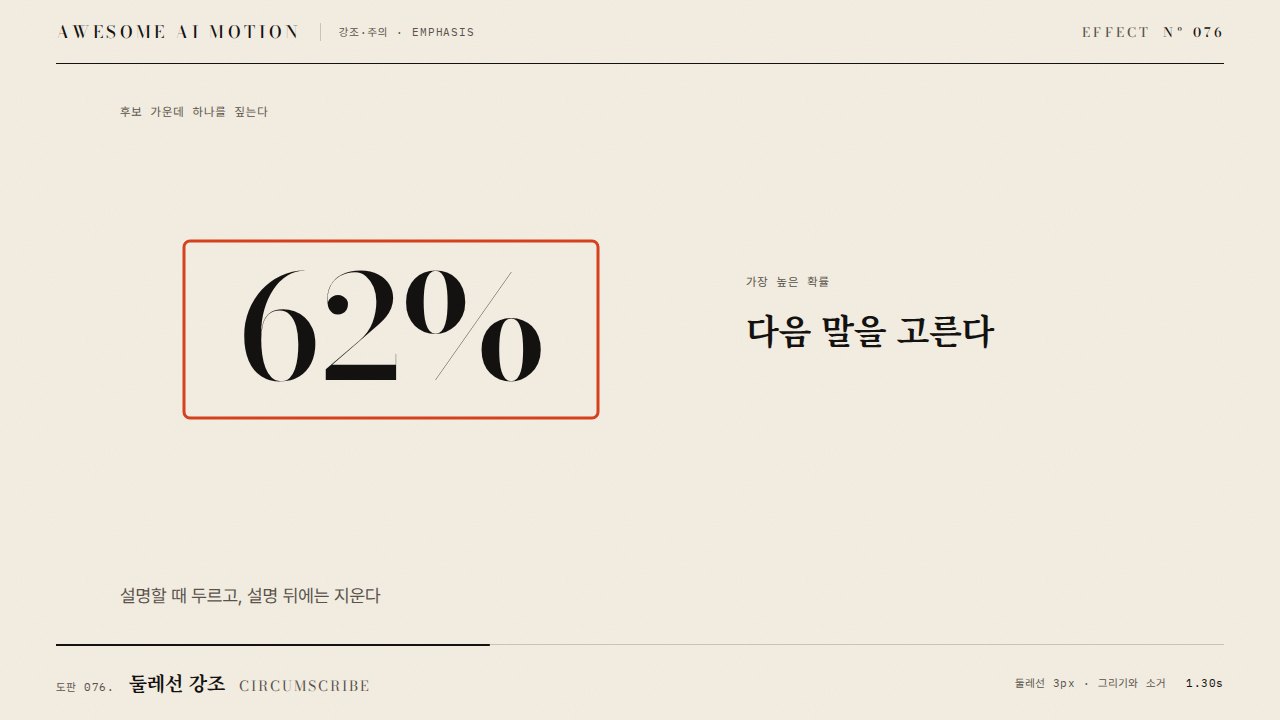
요소의 테두리 선이 바깥에서 안으로 들어오며 윤곽을 드러내는 표시A border line closes in from outside the element to reveal its outline.
무엇을 전하나What it tells
- 폼 필드·카드가 선택 상태로 바뀔 때
- 화면 요소의 경계를 짚어 설명할 때
- When a form field or card becomes selected
- When pointing at the edge of an on-screen element
- 테두리와 배경의 대비비 3:1 이상
- 두께 4px 초과 금지
- 동시에 강조하는 요소는 2개 이하
좋은 예와 나쁜 예Good and bad use
입력 카드 주위 8px 바깥에 2px 선이 0.35초 동안 카드 경계로 좁혀 들어오며 선명해진다
선 두께 6px 이상으로 요소보다 테두리가 더 튀거나 색이 배경과 대비되지 않는다
파라미터Parameters
기본값은 클립에 쓴 값Defaults are the values used in the clip
| 항목PARAM | 기본DEFAULT | 범위RANGE | 메모NOTE |
|---|---|---|---|
| 두께 | 2px | 1~4px | 1920x1080 기준 |
| 시작 간격 | 8px | 4~12px | 경계 바깥 오프셋 |
| 길이 | 0.35s | 0.25~0.5s | 이동과 페이드 합산 |
| 이징 | power2.out | power2~power3.out | 도착 직전 감속 |
tl.fromTo('.ring', { outlineOffset: 8, outlineColor: 'rgba(0,120,255,0)' }, { outlineOffset: 0, outlineColor: 'rgba(0,120,255,1)', duration: 0.35, ease: 'power2.out' }, 0.4);에이전트 프롬프트Agent prompts
그대로 붙여 넣는다Paste as is
GSAP으로 <대상> 요소에 테두리 리빌을 넣어줘. 0.4초에 outline 2px, outlineOffset 8px, 알파 0에서 시작해 0.35초 동안 outlineOffset 0, 알파 1로 power2.out. 색은 <색상>이고 배경과 대비 3:1 이상이어야 해. 레이아웃이 밀리지 않게 outline을 써.
Add a border reveal to <target> with GSAP. At 0.4s start with a 2px outline, outlineOffset 8px, alpha 0 and animate to offset 0, alpha 1 over 0.35s with power2.out. Use <color> with at least 3:1 contrast against the background, and use outline so layout does not shift.
<파일>의 <대상>에 border-reveal을 적용해. outline 2px solid, fromTo outlineOffset 8→0, 알파 0→1, 0.35s, power2.out, position 0.4. 0.4초·0.6초·0.9초를 캡처해 선이 안쪽으로 들어오는지, 최종에 레이아웃 이동이 0px인지 확인해.
Apply border-reveal to <target> in <file>. Use outline 2px solid, fromTo outlineOffset 8 to 0 and alpha 0 to 1, 0.35s, power2.out, position 0.4. Capture at 0.4s, 0.6s and 0.9s to check the line moves inward and that layout shift is 0px at the end.
도구별로 쓰기In your tools
HyperFrames · ReelForge · Scrolline
잘 맞는 조합Pairs well with
출처Sources
개념 출처와 라이선스. 구현은 이 레포에서 새로 씀Concept sources and licenses. Implementations are original to this repo
- IanLunn/HoverMIT personal/open-source + paid commercial