점진적 공개Progressive Disclosure
새 단계가 켜질 때 이전 단계를 옅게 남기는 순차 공개 움직임A sequential reveal that leaves earlier stages dimmed as each new stage becomes active.
무엇을 전하나What it tells
- 입력부터 출력까지 처리 순서를 설명할 때
- 여러 단계 중 현재 단계에 시선을 모을 때
- When explaining the processing sequence from input to output
- When directing attention to the current stage in a multistep process
- 이전 단계를 완전히 지워 관계를 잃지 않는다
- 단계별 색을 여러 개 추가하지 않는다
좋은 예와 나쁜 예Good and bad use
입력, 모델, 출력 순서로 켜지고 출력만 주홍으로 남는다
세 단계를 동시에 진하게 공개해 현재 단계가 사라진다
파라미터Parameters
기본값은 클립에 쓴 값Defaults are the values used in the clip
| 항목PARAM | 기본DEFAULT | 범위RANGE | 메모NOTE |
|---|---|---|---|
| 단계 수 | 3 | 3~5 | 한 화면의 처리 흐름 |
| 단계 간격 | 0.7s | 0.5~0.9s | 읽기 시간 |
| 활성 공개 | 0.3s | 0.2~0.4s | opacity 상승 |
| 이전 단계 opacity | 0.25 | 0.2~0.4 | 관계 유지 |
| 초기 opacity | 0.12 | 0~0.15 | 아직 안 켜진 단계 |
const tl = Motion.timeline();
tl.to('#input',{opacity:1,duration:.3},.3);
tl.to('#a1',{scaleX:1,duration:.3},.7);
tl.to('#input',{opacity:.25,duration:.3},1).to('#model',{opacity:1,duration:.3},1);
tl.to('#a2',{scaleX:1,duration:.3},1.4);
tl.to('#model',{opacity:.25,duration:.3},1.7).to('#output',{opacity:1,color:'var(--verm)',duration:.35},1.7);에이전트 프롬프트Agent prompts
그대로 붙여 넣는다Paste as is
<대상>에 입력, 모델, 출력 3단계 도해를 배치하고 초기 opacity를 0.12로 둔다. 0.3초, 1초, 1.7초에 각 단계 opacity를 1로 0.3초 power3.out 공개한다. 새 단계가 켜지면 이전 단계는 opacity 0.25로 낮추고 출력만 주홍으로 만든다. 단계 사이 헤어라인 화살표는 0.7초와 1.4초에 scaleX 0에서 1로 그린다. 3초 타임라인 하나로 만들고 마지막 0.6초는 정지한다.
Arrange a 3-stage input, model, and output diagram in <target> with initial opacity 0.12. Reveal each stage to opacity 1 over 0.3 seconds with power3.out at 0.3, 1, and 1.7 seconds. When a new stage becomes active, dim the previous stage to opacity 0.25 and make only the output vermilion. Draw the hairline arrows between stages by changing scaleX from 0 to 1 at 0.7 and 1.4 seconds. Use a single 3-second timeline and hold still for the final 0.6 seconds.
<파일>의 <대상>에 <대상>에 입력, 모델, 출력 3단계 도해를 배치하고 초기 opacity를 0.12로 둔다. 0.3초, 1초, 1.7초에 각 단계 opacity를 1로 0.3초 power3.out 공개한다. 새 단계가 켜지면 이전 단계는 opacity 0.25로 낮추고 출력만 주홍으로 만든다. 단계 사이 헤어라인 화살표는 0.7초와 1.4초에 scaleX 0에서 1로 그린다. 0.24초, 1.25초, 2.9초를 캡처해 한 단계씩 활성화, 이전 단계 흐려짐, 출력의 주홍 강조를 확인한다. 시간은 GSAP 타임라인만 사용한다.
In <target> in <file>, Arrange a 3-stage input, model, and output diagram in <target> with initial opacity 0.12. Reveal each stage to opacity 1 over 0.3 seconds with power3.out at 0.3, 1, and 1.7 seconds. When a new stage becomes active, dim the previous stage to opacity 0.25 and make only the output vermilion. Draw the hairline arrows between stages by changing scaleX from 0 to 1 at 0.7 and 1.4 seconds. Capture at 0.24, 1.25, and 2.9 seconds to check one-stage-at-a-time activation, dimming of earlier stages, and vermilion emphasis on the output. Use only a GSAP timeline for timing.
도구별로 쓰기In your tools
HyperFrames · ReelForge · Scrolline
잘 맞는 조합Pairs well with
쓰이는 곳Used in
출처Sources
개념 출처와 라이선스. 구현은 이 레포에서 새로 씀Concept sources and licenses. Implementations are original to this repo
- GSAP Timeline 공식 문서개념 참고
- heygen-com/hyperframesApache-2.0
- heygen-com/hyperframesApache-2.0
- ui.aceternity.comunknown
- DavidHDev/react-bitsMIT + Commons Clause v1.0
- ui.aceternity.comunknown
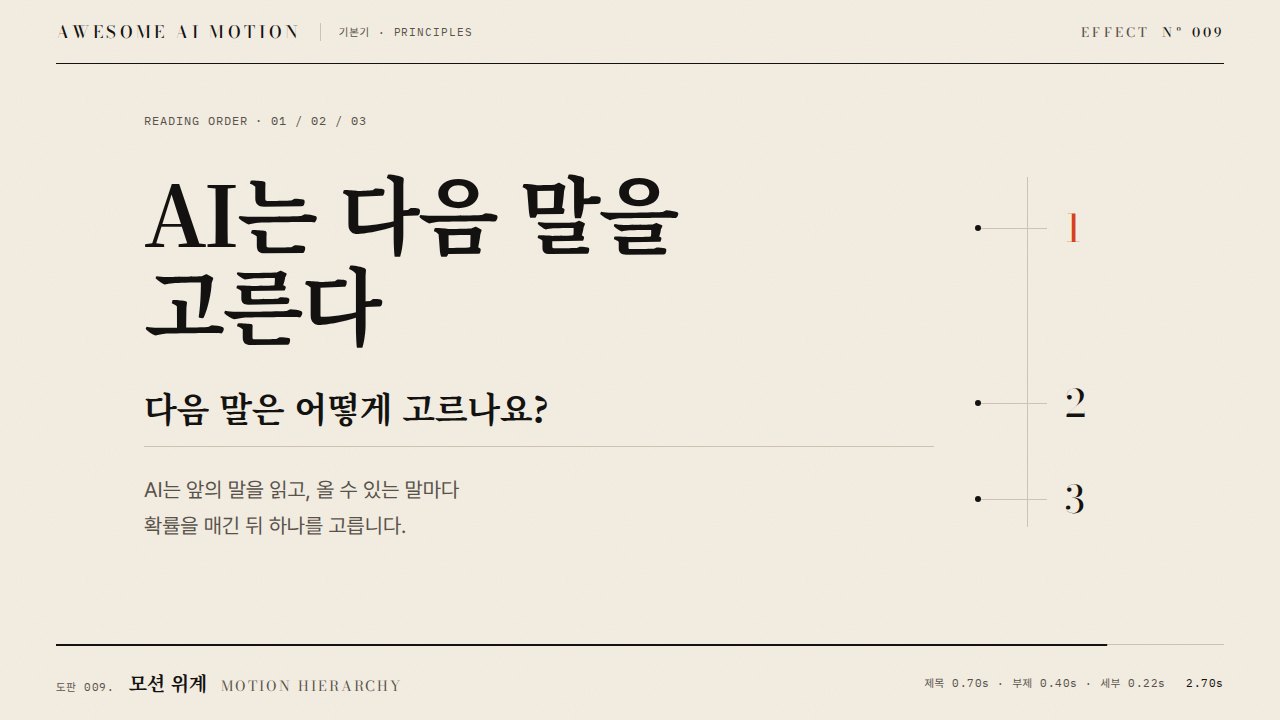
- motion dictionary 1-principles.md#6. 모션 위계·코레오그래피own
- Heer & Robertson 2007unknown