스크롤 스크럽 시네마Scroll-scrub Cinema Scene
고정된 장면 하나에서 스크롤 진행률 p 하나가 제목 마스크, 도해 조립, 배경 숫자 패럴랙스를 함께 움직인다.In one pinned scene, a single scroll progress value p drives a title mask reveal, an assembling diagram, and a parallaxing background number together.
무엇을 전하나What it tells
- 스크롤덱에서 한 장면을 고정해 두고 안쪽 요소를 단계별로 조립할 때
- 스크롤 연동 장면을 영상으로 보여 주거나 시안으로 설명할 때
- 제목·도해·배경 층의 속도 차이로 깊이를 주고 싶을 때
- Use when a scroll deck pins one scene and assembles its parts step by step.
- Use when showing or pitching a scroll-linked scene as video.
- Use when speed differences between title, diagram, and background layers should add depth.
- 층마다 다른 시간축 금지(모두 p 하나만 읽는다)
- 배경 층 속도 0.5배 초과 금지(전경과 구분이 안 된다)
- 박자 경계 없이 전 구간 균등 매핑 금지
좋은 예와 나쁜 예Good and bad use
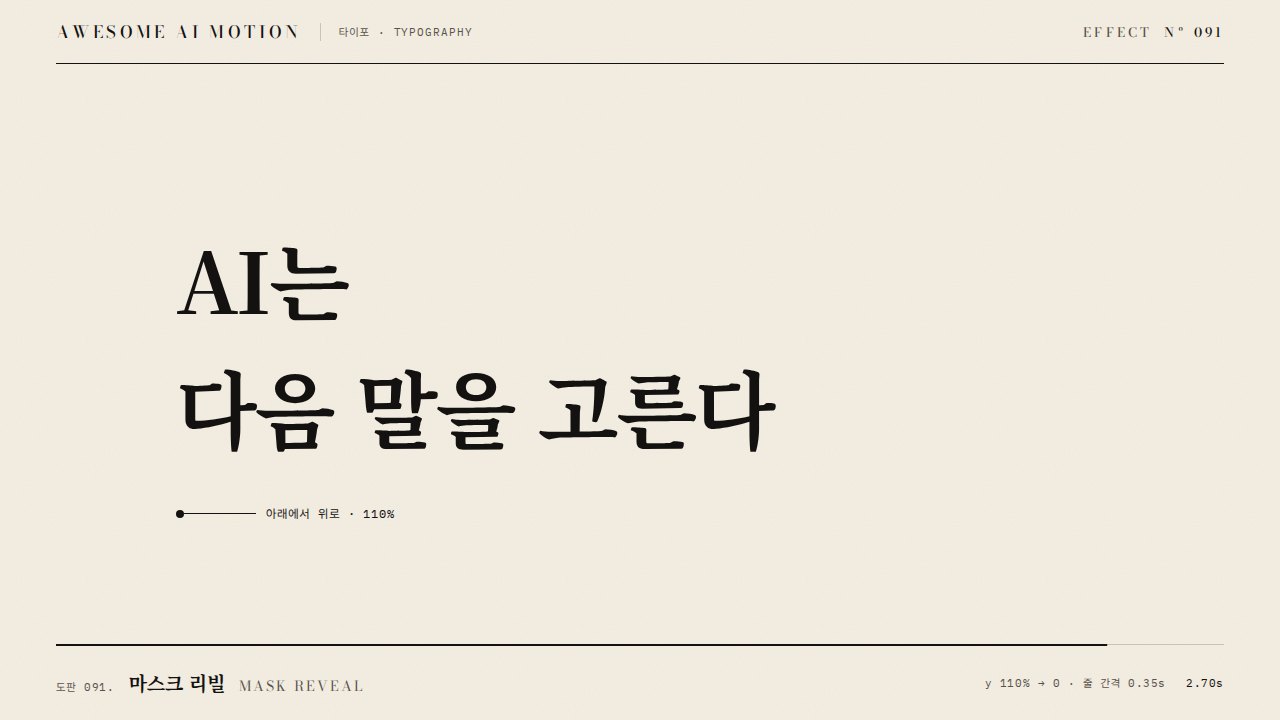
진행률 0~0.30에서 제목이 마스크로 올라오고 부품이 모이기 시작하며, 0.30~0.75에는 장면이 고정된 채 화살표가 그려지고 5% 밀려 들어가며, 0.75~1에서 층마다 1.0·1.12·1.24배속으로 위로 빠지고 다음 장면이 올라온다.
층마다 따로 시간 기반 애니메이션을 걸어 스크롤을 멈춰도 계속 움직이거나, 진행률을 선형으로 매핑해 사람 손 같은 멈칫이 없다.
파라미터Parameters
기본값은 클립에 쓴 값Defaults are the values used in the clip
| 항목PARAM | 기본DEFAULT | 범위RANGE | 메모NOTE |
|---|---|---|---|
| 박자 경계 | 0.30 / 0.75 | 0.20~0.35 / 0.65~0.80 | enter / hold / exit |
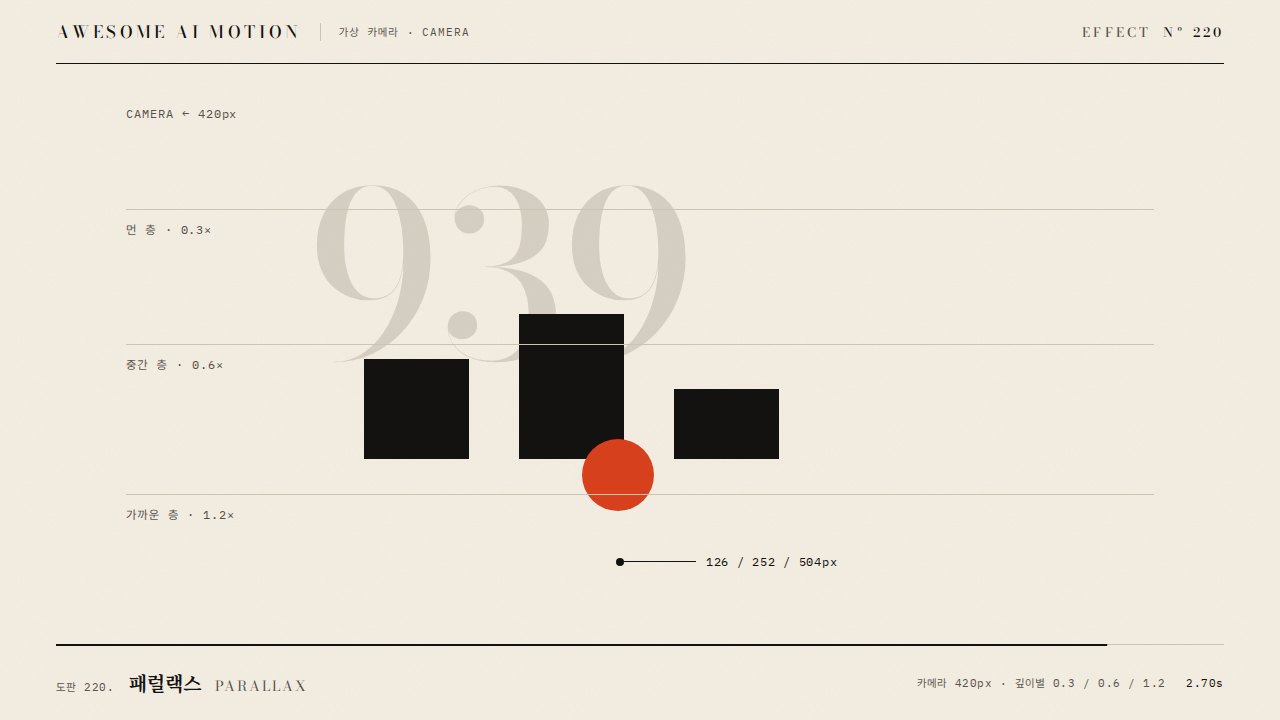
| 배경 숫자 이동 | y 170px, x 70px | 120~240px | 전 구간, 전경 대비 약 0.35배속 |
| 퇴장 층 속도비 | 1.00 / 1.12 / 1.24 | 1.0~1.4 | 도해 부품별, 520px 기준 |
| 홀드 밀기 | scale 1.05 | 1.02~1.08 | 0.30~0.75 구간, 퇴장에서 풀림 |
| 진행 곡선 | 구간 6개 · 멈칫 0.45s 2회 | 멈칫 0.3~0.6s | 휠 두 번, 멈칫, 긴 굴림, 멈칫, 끝까지 |
const S = { p: 0 };
const seg = (p, a, b) => Math.max(0, Math.min(1, (p - a) / (b - a)));
function draw(p) {
  bg.style.transform = `translate(${-70 * p}px, ${130 - 170 * p}px)`;
  l1.style.transform = `translateY(${110 * (1 - out3(seg(p, .02, .20))) - 110 * io2(seg(p, .76, .86))}%)`;
  nMo.style.transform = `translate(${sc.x * (1 - k)}px, ${sc.y * (1 - k) - 520 * seg(p, .78, 1) * 1.12}px)`;
}
[[0, .17, .5, 'power2.out'], [.17, .29, .45, 'power2.inOut'], [.29, .30, .45, 'sine.inOut'], [.30, .735, 1.1, 'power2.inOut'], [.735, .75, .45, 'sine.inOut'], [.75, 1, 1, 'power3.inOut']]
.forEach(([a, b, d, ease]) => { tl.fromTo(S, { p: a }, { p: b, duration: d, ease, immediateRender: false, onUpdate: () => draw(S.p) }, at); at += d; });에이전트 프롬프트Agent prompts
그대로 붙여 넣는다Paste as is
<대상> 장면을 스크롤 스크럽 시네마로 만들어줘. 진행률 p 하나(0~1)를 받는 draw(p) 함수에서 모든 층을 갱신하고, 박자는 enter 0~0.30, hold 0.30~0.75, exit 0.75~1. 제목은 0.02~0.27에서 yPercent 110→0 마스크로 올라오고 0.76~0.90에 위로 빠지게, 도해 부품 3개는 시드 난수로 흩어진 자리에서 0.10~0.56에 power3.out으로 모이고 화살표는 0.44~0.70에 그려지게 해. 배경 큰 숫자 939는 전 구간 y 170px만 움직여 패럴랙스를 주고, 퇴장에서는 부품이 1.0·1.12·1.24배속으로 520px 위로 빠지며 다음 장면이 380px 아래에서 올라오게 해. 오른쪽에 얇은 진행 레일과 0.30·0.75 눈금, 박자 라벨을 작게 둬.
Turn the <target> scene into a scroll-scrub cinema scene. Update every layer inside one draw(p) function that takes a single progress value p from 0 to 1, with beats enter 0 to 0.30, hold 0.30 to 0.75, exit 0.75 to 1. Reveal the title with a yPercent 110 to 0 mask between 0.02 and 0.27 and push it out upward between 0.76 and 0.90; gather three diagram parts from seeded scattered positions between 0.10 and 0.56 with power3.out, and draw the arrows between 0.44 and 0.70. Move the giant background number 939 only 170px in y across the whole range for parallax; on exit, move the parts 520px up at 1.0, 1.12, and 1.24 speed while the next scene rises from 380px below. Add a thin progress rail on the right with ticks at 0.30 and 0.75 and small beat labels.
<파일>에 스크롤 스크럽 장면을 구현해. 영상용이면 프록시 {p}를 fromTo 6구간(0→.17 0.5s, .17→.29 0.45s, 멈칫 .29→.30 0.45s, .30→.735 1.1s, 멈칫 .735→.75 0.45s, .75→1 1.0s)으로 굴리고, 페이지용이면 ScrollTrigger pin+scrub 진행률을 같은 draw(p)에 넘겨. Math.random 대신 Motion.rand(939)로 흩어진 좌표를 미리 계산해. 1.2초(p 0.29)·2.9초(p 0.74)·4.8초(p 1.0)를 캡처해 멈칫 구간에서 모든 층이 함께 멈추는지, 역방향 seek 후 같은 시점 그림이 같은지 확인해.
Implement a scroll-scrub scene in <file>. For video, drive a proxy {p} with six fromTo segments (0 to .17 over 0.5s, .17 to .29 over 0.45s, hesitation .29 to .30 over 0.45s, .30 to .735 over 1.1s, hesitation .735 to .75 over 0.45s, .75 to 1 over 1.0s); for a page, pass ScrollTrigger pin plus scrub progress into the same draw(p). Precompute scattered coordinates with Motion.rand(939) instead of Math.random. Capture 1.2s (p 0.29), 2.9s (p 0.74), and 4.8s (p 1.0) to confirm every layer pauses together during the hesitations and that seeking backward gives an identical frame at the same time.
도구별로 쓰기In your tools
HyperFrames · ReelForge · Scrolline
잘 맞는 조합Pairs well with
출처Sources
개념 출처와 라이선스. 구현은 이 레포에서 새로 씀Concept sources and licenses. Implementations are original to this repo