배회하는 사각형Wandering Squares
작은 정사각형들이 네 모서리를 이동하면서 회전하고 크기를 바꾼다.Small squares travel around a closed rectangular route while rotating and scaling.
무엇을 전하나What it tells
- 협업 데이터 준비 화면에서 지속 활동을 표시할 때
- 짧은 반복으로 여러 객체가 협업하는 대기를 보여 준다 때
- Add a compact multi-object waiting loop to a collaboration scene.
- Use a short repeating motion to communicate suggests several objects working through a repeating cycle.
- 큰 이동 범위로 버튼과 제목 위를 가로질러 조작을 방해한다 상황을 피한다
- 동작 감소 설정에서는 첫 프레임을 고정한다
좋은 예와 나쁜 예Good and bad use
협업 데이터 준비 화면에서 세 사각형이 작은 사각 경로를 돈다
큰 이동 범위로 버튼과 제목 위를 가로질러 조작을 방해한다
파라미터Parameters
기본값은 클립에 쓴 값Defaults are the values used in the clip
| 항목PARAM | 기본DEFAULT | 범위RANGE | 메모NOTE |
|---|---|---|---|
| 주기 | 1800ms | 1350~2700ms | 한 번의 반복에 걸리는 시간이다 |
| 객체 수 | 3개 | 2~4개 | 같은 폐곡선에 시간차로 배치한다 |
| 이동 거리 | 30px | 24~60px | 작은 정사각 경로의 한 변이다 |
| 위상차 | 200ms | 150~300ms | 출발 시간을 분리한다 |
| 이징 | ease-in-out | linear | ease-in-out | 경로 이동은 등속, 맥동은 부드러운 왕복을 쓴다 |
.fx i { position:absolute; width:12px; height:12px; background:currentColor; animation:wander 1.8s ease-in-out infinite; animation-delay:calc(var(--i)*-200ms); }
@keyframes wander {
  0%,100% { transform:translate(0,0) rotate(0deg) scale(1); }
  25% { transform:translate(30px,0) rotate(90deg) scale(.7); }
  50% { transform:translate(30px,30px) rotate(180deg) scale(1); }
  75% { transform:translate(0,30px) rotate(270deg) scale(.7); }
}에이전트 프롬프트Agent prompts
그대로 붙여 넣는다Paste as is
<대상>에 배회하는 사각형를 적용해. 주기 1800ms, 객체 수 3개, 이동 거리 30px, 위상차 200ms, 이징 ease-in-out로 구현해. 예시 코드의 요소 구조를 함께 만들고 하나의 paused 타임라인으로 seek 가능하게 연결해. 동작 감소 설정에서는 첫 프레임을 유지해.
Apply Wandering Squares to <target>. Use a 1.8-second cycle, three squares, 30px travel, and 200ms offsets, and ease-in-out easing. Include the required element structure and drive the effect with one paused, seekable timeline. Hold the first frame when reduced motion is enabled.
<파일>의 대기 표시 또는 배경 영역에 배회하는 사각형를 적용해. 주기 1800ms, 객체 수 3개, 이동 거리 30px, 위상차 200ms, 이징 ease-in-out를 사용하고 반복 위상을 절대 시간에서 계산해. 0초, 0.9초, 1.8초를 캡처해 중간 변화와 첫 프레임으로의 연결을 확인해.
Apply Wandering Squares in the waiting indicator or background region of <file>. Use a 1.8-second cycle, three squares, 30px travel, and 200ms offsets, and ease-in-out easing; derive loop phase from absolute time. Capture at 0, 0.9, and 1.8 seconds to verify the intermediate change and the return to the starting frame.
도구별로 쓰기In your tools
HyperFrames · ReelForge · Scrolline
잘 맞는 조합Pairs well with
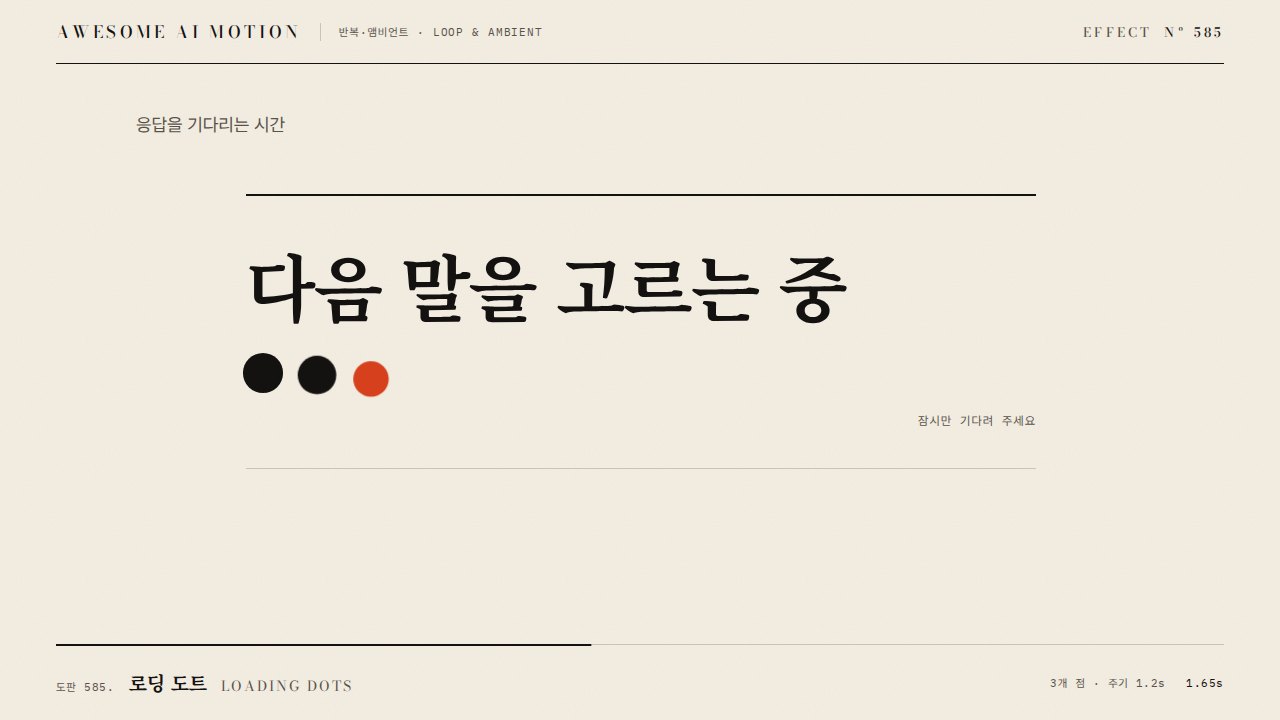
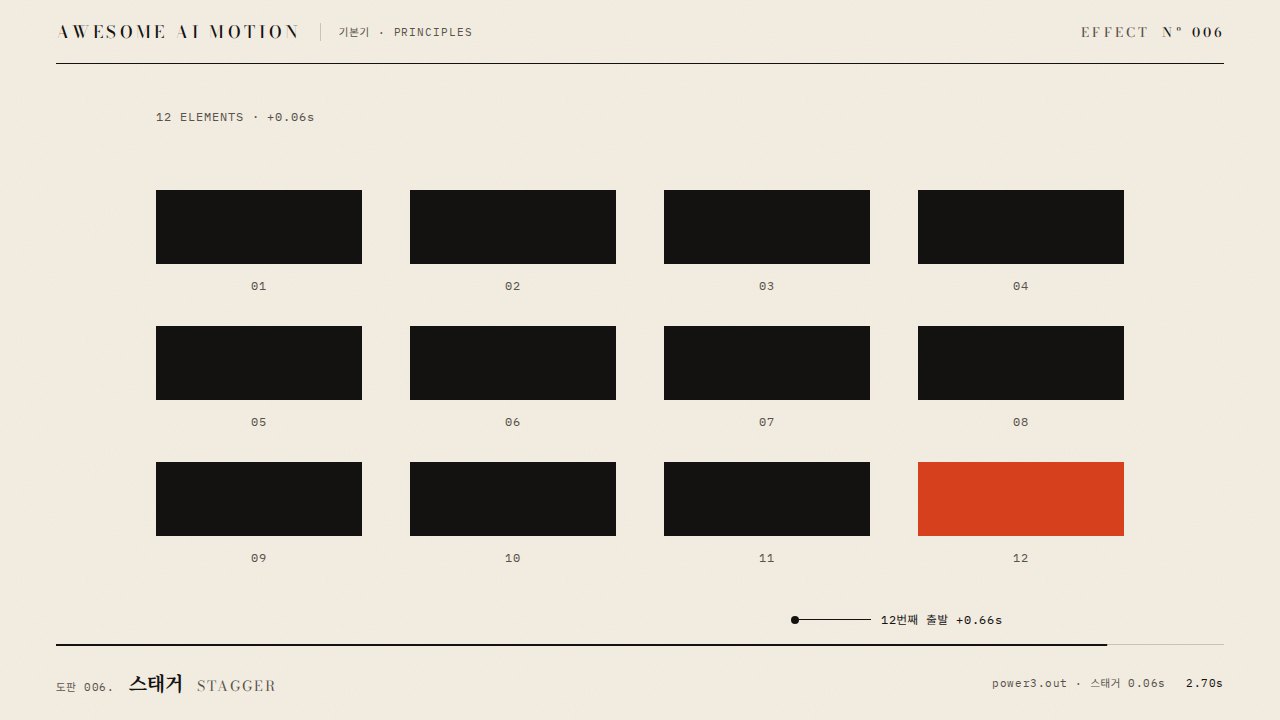
출처Sources
개념 출처와 라이선스. 구현은 이 레포에서 새로 씀Concept sources and licenses. Implementations are original to this repo
- tobiasahlin/SpinKitMIT
- css-loaders.comunknown